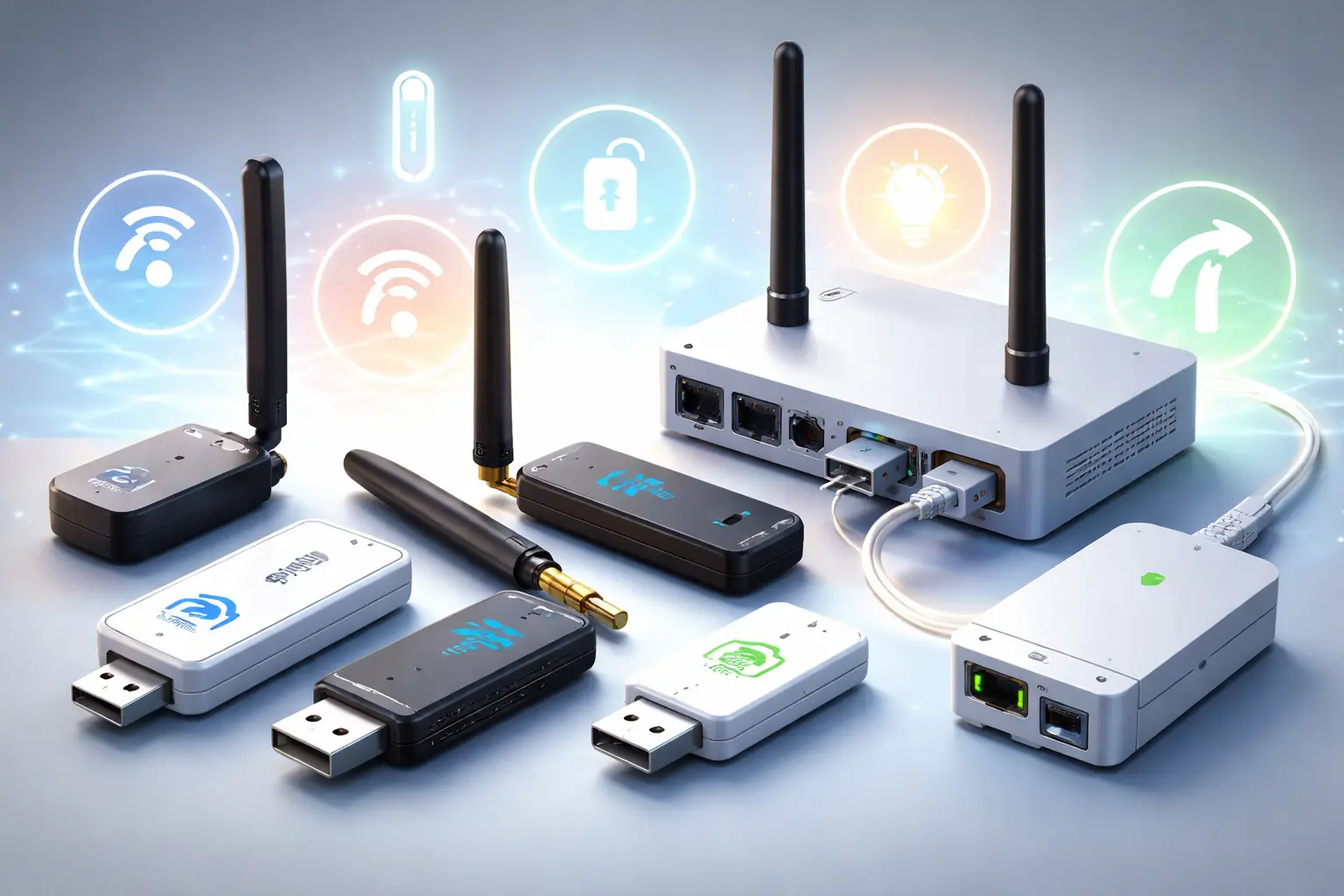
Choosing the right dongle is one of the most important decisions when building a reliable smart home. The dongle acts as the bridge between your controller and your devices, and a poor choice here can limit performance, scalability, security, and long-term stability.
This guide focuses on how to choose a dongle wisely, understanding the protocols it supports, the hardware behind it, and how it fits into a modern local-first smart home.
Different Names for Smart Home Dongles
When researching smart home dongles, you’ll quickly notice that the same type of device is often referred to by many different names. This isn’t marketing fluff only; it’s usually tied to how the dongle is used, what protocol it supports, or how technical the description is.
Understanding these terms helps you avoid buying the wrong device and makes comparisons much clearer.
Dongle
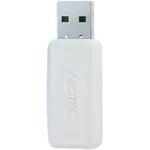
This is the most generic and user-friendly term. A dongle usually means a small external device that adds new functionality to an existing system. In smart homes, it typically refers to a device that provides Zigbee, Z-Wave, Thread, or similar wireless capabilities to a hub, mini-PC, server, or home automation platform, and it can connect either via USB or over the network using Ethernet or PoE.
Coordinator
This is a more technical and protocol-specific term, especially common with Zigbee and Thread. The coordinator is the central device that creates and manages the wireless network. In many setups, the dongle is the coordinator, but the word describes its role rather than its physical form.
You’ll often see this term used in documentation for Zigbee2MQTT or ZHA.
Radio Adapter
A radio adapter highlights what the device actually does: it provides a radio interface for a specific wireless protocol. This term is more common in technical documentation and product descriptions and can apply to USB or network-based devices.
USB Dongle
This term emphasizes the physical connection. A USB dongle is plugged directly into a USB port and is the most common format used with Home Assistant, mini PCs, NAS devices, and servers. It’s functionally identical to “dongle”, just more explicit.
USB Stick
Some manufacturers and communities casually call dongles USB sticks. While not incorrect, this term can be misleading, since many people associate “USB stick” with flash storage. In smart home contexts, it simply means a USB-connected radio device.
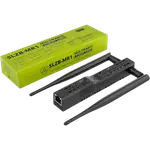
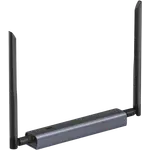
Ethernet or Network Dongle
Some modern alternatives are not USB at all. Ethernet or PoE-based dongles are sometimes still called “dongles” even though they connect over the network. The term persists because their role is the same: providing radio access for a smart home protocol.
Gateway or Hub (often incorrectly)
This is where confusion often starts. A gateway or hub usually includes its own CPU, firmware, and sometimes cloud connectivity. A dongle, on the other hand, depends on an external system to function.
However, many people casually refer to dongles as hubs, especially when they’re new to smart homes. Technically speaking, a dongle is not a hub by itself.
Why the Dongle Matters More Than Most Devices
In a smart home ecosystem, sensors, switches, and actuators come and go. The dongle, however, usually stays for years. It defines:
- Which protocols you can use
- How many devices you can scale to
- How stable your mesh network will be
- How future-proof your setup is
Replacing a dongle later often requires repairing every device, so choosing correctly from the start saves time and frustration.
Core Communication Protocols
Before choosing hardware, it is essential to understand the protocols a dongle can support.
Zigbee
Zigbee is one of the most widely used low-power mesh protocols.
- Operates on 2.4 GHz
- Uses mesh networking where devices relay traffic
- Very low power consumption
- Requires a Zigbee coordinator (dongle)
Zigbee scales well when properly designed, but depends heavily on good coordinator hardware and antenna quality.
Z-Wave
Z-Wave focuses on reliability and low interference.
- Operates in sub-1 GHz frequency bands
- Less interference than 2.4 GHz protocols
- Region-specific frequencies
- Requires a Z-Wave dongle
Z-Wave devices are often more expensive but tend to be very stable over time.
Thread
Thread is a newer IP-based mesh protocol.
- Low latency and low power
- IPv6-native
- Designed for modern smart home ecosystems
- Requires a Thread Border Router
Thread is increasingly relevant, especially alongside Matter.
USB vs Ethernet Dongles
One of the first architectural decisions when building a smart home automation system is how the radio interface connects to your main system. While both USB and Ethernet dongles serve the same core purpose, providing wireless connectivity for protocols like Zigbee, Z-Wave, or Thread, the way they connect has a real impact on reliability, scalability, placement, and long-term maintenance.
USB dongles are often perceived as the default option because they are compact, inexpensive, and easy to plug into a mini-PC, Raspberry Pi, or server. Ethernet-based dongles, on the other hand, are designed to operate as network devices, allowing them to be placed independently from the host system and integrated into more advanced network setups.
The choice is not just about convenience or price. It affects where you can physically locate the radio, how it behaves during reboots or updates, how it scales in larger homes, and how well it fits into segmented or security-focused networks. In some setups, a USB dongle is perfectly adequate. In others, especially where stability and flexibility matter more, an Ethernet-based dongle can be the better long-term decision.
Understanding the trade-offs between USB and Ethernet dongles helps ensure that the wireless backbone of your smart home is built on solid foundations rather than convenience alone.
USB Dongles
USB dongles are the most common entry point into smart home automation. They are widely used with platforms like Home Assistant and are often the first choice for small to medium-sized installations.
Pros
Affordable
USB dongles are usually the most budget-friendly option. They have a lower upfront cost and do not require additional infrastructure such as switches, injectors, or dedicated network ports, making them ideal for beginners or simple setups.
Easy to Install
Installation is typically straightforward. You plug the dongle into a USB port, install the required drivers or integrations, and the system is ready to go. This simplicity makes USB dongles appealing for users who want to get started quickly without dealing with network configuration.
Widely Supported
USB dongles enjoy broad support across smart home platforms, firmware projects, and community tools. Documentation, tutorials, and troubleshooting guides are easy to find, which significantly lowers the learning curve.
Cons
Susceptible to USB Interference
USB 3.0 ports, nearby cables, SSDs, and power supplies can generate electromagnetic noise that interferes with radio protocols like Zigbee or Thread. This interference can reduce range, cause dropped messages, or lead to unstable networks. Using a short USB extension cable is strongly advised. It allows you to move the dongle away from sources of interference and often results in a noticeable improvement in range and reliability.
Physically Tied to the Host Machine
A USB dongle must remain connected to the machine running your automation platform. This limits where you can place the radio and often forces compromises between optimal radio placement and server location.
Antenna Quality Varies Widely
Not all USB dongles are created equal. Some models use internal antennas or poorly designed external ones, which can significantly impact performance and coverage. Choosing the wrong model can bottleneck an otherwise well-designed network.
Ethernet or PoE Dongles
Ethernet and PoE dongles are designed for more advanced or reliability-focused smart home installations. Instead of being directly attached to the host machine, they operate as network devices.
Pros
Electrically Isolated
Because these dongles communicate over the network, they are electrically isolated from the host system. This eliminates USB-related interference and creates a cleaner, more stable radio environment.
Can Be Centrally Located
Ethernet and PoE dongles can be placed wherever network coverage is best, such as the center of the house, a hallway, or a network rack. This flexibility allows for better signal distribution and more balanced mesh networks.
PoE Simplifies Power and Placement
Power over Ethernet allows a single cable to deliver both data and power. This reduces cable clutter and makes it easier to install the dongle in optimal locations without worrying about nearby power outlets.
Better Stability for Larger Networks
In larger homes or installations with many devices, Ethernet-based dongles tend to offer greater long-term stability. They are less affected by host reboots, USB resets, or hardware changes, making them a strong choice for complex setups.
Cons
Higher Cost
Ethernet and PoE dongles are typically more expensive than USB alternatives. Additionally, you may need a PoE-capable switch or injector, which increases overall cost.
More Complex Setup
Setup usually involves network configuration such as IP addressing, firewall rules, or integration with services like MQTT. While not difficult for experienced users, it adds complexity compared to USB plug-and-play devices.
Relies on Your Ethernet Network
These dongles depend entirely on your network infrastructure. If a switch reboots, a PoE port is power-cycled, or a VLAN is misconfigured, the dongle becomes unavailable even if your automation server is still running.
Chipset
The chipset is the brain of your dongle. It directly determines performance, stability, maximum network size, firmware compatibility, and how well your coordinator will be supported over time.
Two dongles may look identical from the outside, but if they use different chipsets, the real-world experience can be completely different.
Choosing the right chipset is often more important than choosing the brand.
Why the chipset matters
A better chipset usually means:
- Higher device limits
- More stable mesh networks
- Better memory management
- Faster packet processing
- Fewer crashes or coordinator lockups
- Longer firmware and community support
Cheap or obscure chipsets might work fine for 10 devices, but start failing when you scale to 50 to 100+ nodes.
If you’re building a serious smart home, the chipset is not something to compromise on.
Maximum number of supported devices
Every chipset has RAM and routing table limits. These limits affect:
- Total number of devices
- Maximum direct children
- Router capacity
- Route caching
Some entry-level chipsets struggle beyond 20 to 30 devices, while modern ones can handle 100 to 300+ devices reliably.
If you plan to grow your network over time, pick something with headroom from day one.
Firmware maturity
Stable firmware matters more than raw specs. Mature stacks usually provide:
- Better recovery from crashes
- Fewer pairing issues
- Faster joins
- More consistent routing
- Long-term updates
Popular chipsets benefit from years of testing in real deployments, which means fewer surprises.
Common chipset vendors
Most reliable Zigbee, Z-Wave, and Thread coordinators today are built on chipsets from two major vendors:
- Texas Instruments (TI)
- Silicon Labs (SiLabs)
Both can be excellent choices, but they have different strengths depending on your setup.
Texas Instruments (TI)
Texas Instruments has historically been the dominant player in Zigbee and Thread radios. Their CC25xx and CC26xx families power many well-known USB dongles and have been used in the community for years.
Typical characteristics:
- Very mature and stable stacks
- Rock-solid stability in many real-world deployments
- Excellent Zigbee2MQTT support
- Huge community adoption (more guides, more troubleshooting, more tested combinations)
- Great long-term reliability
Most commonly used for:
- Zigbee coordinators (Zigbee2MQTT, ZHA)
- Thread / Matter border routers (some modern designs)
- Multiprotocol 2.4 GHz radios
Silicon Labs (SiLabs)
Silicon Labs has become the modern multi-protocol leader and is heavily used across Zigbee, Z-Wave, and Thread.
Their EFR32 platform (also known as EmberZNet/Gecko) is very common in both consumer and professional hardware.
Typical characteristics:
- Powerful radios and modern SoCs
- Larger memory (good for big networks and busy meshes)
- Excellent performance for large or complex installations
- Strong commercial ecosystem (many products built on the same stack)
- Often found in Ethernet/PoE coordinators
Most commonly used for:
- Zigbee coordinators
- Z-Wave controllers
- Thread / Matter border routers
- Professional or rack-mounted gateways
Antenna and Radio Performance
A strong radio chipset is useless with a poor antenna.
In real-world smart homes, antenna design and coordinator placement usually have a bigger impact than raw transmission power.
You can have the most powerful chip on paper, but if it’s paired with a tiny internal antenna or hidden behind a metal server rack, your network will perform badly.
Radio performance is the combination of:
- Antenna quality
- Transmission power
- Physical placement
- Mesh design
All four matter. Not just one.
Antenna design
The antenna is what actually sends and receives the signal. It often matters more than the chipset itself.
Look for:
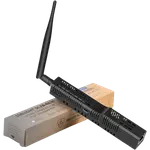
- External antennas
- Replaceable SMA antennas
- Published antenna gain specifications (dBi)
- Proper antenna orientation options
Avoid:
- Tiny internal PCB antennas
- Very compact “nano” sticks buried behind a server
- Coordinators plugged directly into a USB port surrounded by metal and cables
Small internal antennas usually mean:
- Shorter range
- More packet loss
- Less stable meshes
- Worse performance through walls and floors
External antennas typically provide:
- Better range
- More consistent signal quality
- Easier optimization (you can rotate or relocate them)
- The option to upgrade antennas later
If you care about reliability, external antennas are almost always the better choice.
Transmission power
Higher transmission power can improve range, but it’s not a magic fix.
More power does not automatically mean a better network.
Important points:
- More power increases range, but also noise and interference
- It can drain USB-powered devices more
- It doesn't fix bad placement or weak routing
- Clients still need to talk back (two-way communication)
Zigbee (and similar protocols) are two-way. If the coordinator shouts louder but the sensor can’t reply strongly enough, communication still fails.
So cranking up TX power only solves half the problem.
Mesh design
A good mesh beats brute force every time.
Instead of relying only on high transmission power:
- Add more powered router devices
- Spread routers evenly across the house
- Place routers between floors
- Avoid dead zones and long single hops
Multiple short hops are more reliable than one very long hop.
A well-designed mesh with normal power will outperform a high-power coordinator with poor routing.
Placement best practices
Placement often gives bigger improvements than any hardware upgrade.
Recommended:
- Centrally located in the house
- Elevated (not on the floor)
- Away from metal racks or appliances
- Away from Wi-Fi routers and USB 3.0 ports
- Use a USB extension cable to reduce interference
Avoid:
- Inside cabinets
- Behind servers
- Next to NAS/PC/USB 3.0 hubs
- Next to the main Wi-Fi access point
Even moving the dongle 50 cm away from your server can dramatically improve stability.
Final Thoughts
There is no single best dongle for every smart home. The right choice depends on:
- Home size and layout
- Number of devices
- Preferred protocols
- Security and privacy goals
- Willingness to scale and maintain the system
That said, there is strong consensus around prioritizing local-first control, stable mesh protocols, solid hardware design, and long-term support.
Choosing the right dongle sets the foundation for everything that comes after.
On our website, Smart Home Compared, you can find comparisons of the best Smart Home devices: thermostats, cameras, doorbells, lights, sensors, sirens, air quality monitors, smoke & CO alarms and more.
Take a look at our Dongles comparison so you can decide wisely.