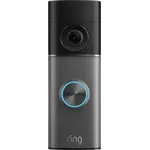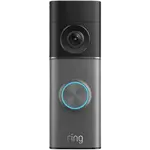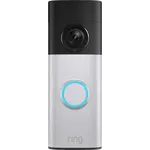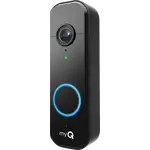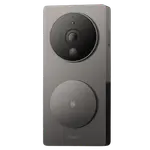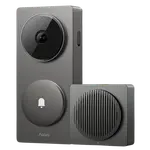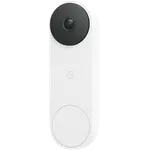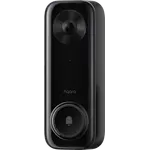
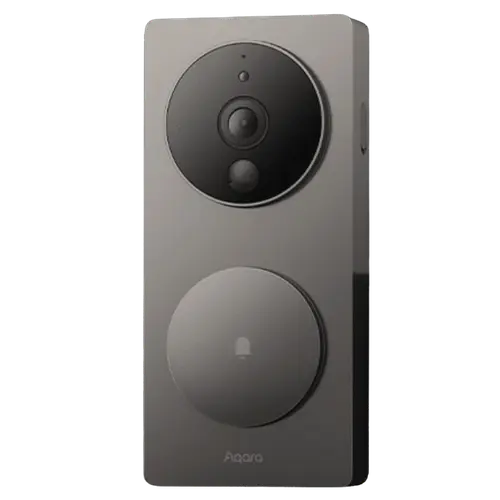




Aqara Video Doorbell G4 Review: The Battery HomeKit Secure Video Doorbell With a Battery-Drain Catch
The Aqara Video Doorbell G4 stands out as one of the only battery-powered doorbells that supports Apple's HomeKit Secure Video, with no subscription needed thanks to free microSD and 7 days of cloud storage. It is easy to install (wired or on battery), shoots clear 1080p with a wide 162-degree view, and works with Apple Home, Google, Alexa and Home Assistant. The catches are significant: on battery it burns through its six AA cells quickly and loses features, the 2.4GHz-only Wi-Fi struggles with metal/masonry doors, and the software can be buggy, which is why its rating runs low.
- Apple Home / HomeKit Secure Video
- Battery doorbell + HKSV
- No-subscription doorbells
- Hot climates
Pros
- One of the only battery doorbells with HomeKit Secure Video
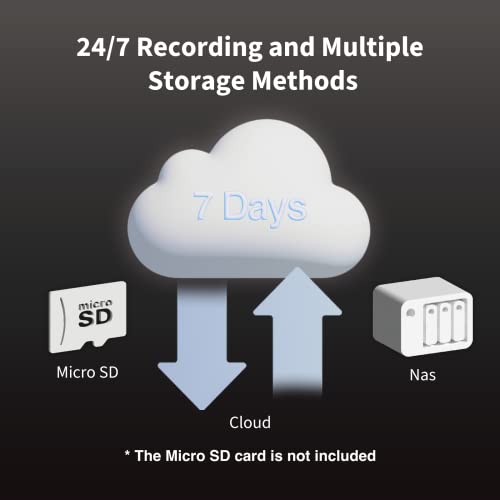
- No subscription: free microSD storage plus 7 days of cloud
- Easy install (wired or battery) straight from Apple Home; chime included
- Clear 1080p with a wide 162-degree view and loud chime
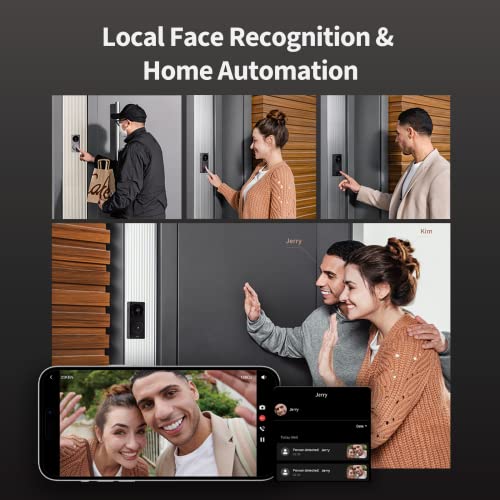
- Local face recognition and automations; broad platform support
- Durable in extreme heat
Cons
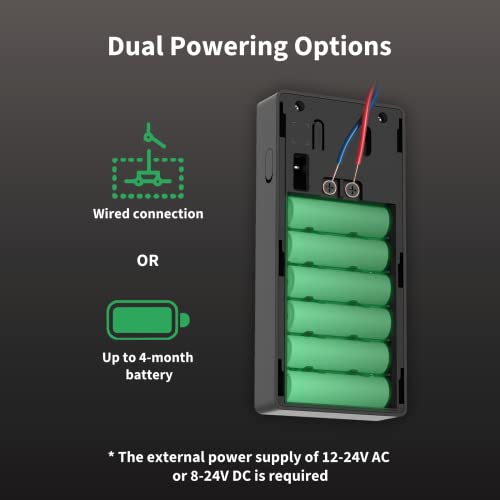
- Heavy battery drain on its six AA cells (use rechargeables)
- Weaker motion detection on battery; wiring strongly recommended
- 2.4GHz Wi-Fi only; poor signal through metal doors or masonry walls
- Will not record to microSD without an internet connection
- Privacy concerns (data shared with Aqara/Xiaomi) and buggy software
- Black-and-white night vision only; no RTSP
Who is the Aqara Video Doorbell G4 for?
This is a video doorbell for Apple households who specifically want HomeKit Secure Video, it is one of the very few battery-capable doorbells that supports HKSV. It records 1080p with a 162-degree view, runs on six AA batteries or wired power (a chime is included), and connects over 2.4GHz Wi-Fi. Storage is free via microSD or 7 days of cloud, with local face recognition and automations. It works with Apple HomeKit, Google Home, Alexa, Home Assistant and IFTTT (Matter is listed as coming). It best suits people invested in Apple Home who want a flexible-install, subscription-free doorbell, and it is the cheaper, older sibling to the 2K G410.
What buyers love
Owners coming from Logitech, Wemo, Arlo and Eufy repeatedly praise how easily the G4 installs, often straight from the Apple Home app, wired or on battery, where rivals failed. The HomeKit Secure Video support is the big draw, with real-time notifications, two-way audio and recordings kept in Apple's ecosystem, and the 1080p image is rated sharp day and night with a loud chime. The no-subscription model (free microSD plus 7 days cloud) is a recurring highlight, and several note excellent durability in extreme heat (working in 120F sun where an Arlo cracked). For its price, many call it a feature-packed, great-value HomeKit doorbell that simply works once set up correctly.
What to know before you buy
The complaints behind its low rating are consistent. Battery life is the worst: on its six AA batteries it drains quickly (owners report weeks, not months), and you lose features compared with wired, switching to rechargeable AAs and tightening activity zones helps a lot. On battery, motion detection is also weaker, so wiring it is strongly recommended. The 2.4GHz-only Wi-Fi is a real limitation: signal struggles through metal doors and concrete/brick walls (one owner notes it is designed for US wood-frame homes), so masonry homes may need the camera and router both outside to work. It also will not record to microSD without an internet connection, raises privacy questions (data goes to Aqara/Xiaomi even with HKSV), and the software can be buggy. Night vision is black-and-white only.
Is the Aqara Video Doorbell G4 worth it?
If you specifically want a HomeKit Secure Video doorbell that can run on battery and skip subscriptions, the G4 is one of the only options, and Apple users who hardwire it and tune their setup are often very happy with it. But the heavy battery drain, weaker battery-mode detection, 2.4GHz-only Wi-Fi and buggy software earn its low rating. Hardwire it, use rechargeable batteries, and make sure your walls/door do not block 2.4GHz; if you can, the newer 2K G410 (dual-band Wi-Fi) addresses several of these issues.
Frequently asked questions
Does the Aqara G4 require a subscription?
No. It records locally to a microSD card and includes 7 days of free cloud storage, and it works with HomeKit Secure Video using your iCloud+ plan. Note that microSD recording requires an internet connection to function.
Why does the battery drain so fast?
On its six AA batteries the G4 is power-hungry, with owners reporting weeks of life rather than months, and some features are reduced on battery. Using rechargeable AAs, limiting the activity zone and recording only on activity helps, but hardwiring it is the recommended fix.
Will it work on a metal door or brick/concrete walls?
Often poorly. It uses 2.4GHz Wi-Fi only, and the signal struggles through metal doors and masonry, so it works best on US-style wood-frame homes. On brick or concrete you may need to improve Wi-Fi coverage significantly, and a few owners could not get reliable signal at all.
Does it work with Apple HomeKit and other platforms?
Yes. It supports Apple HomeKit (including HomeKit Secure Video), Google Home, Amazon Alexa, Home Assistant and IFTTT, with Matter listed as coming. Its standout is being a rare battery-capable HKSV doorbell.
How is it different from the Aqara G410?
The G410 is the newer model with 2K video, dual-band (2.4/5GHz) Wi-Fi, RTSP and a built-in Matter hub, which addresses the G4's main weaknesses (resolution and 2.4GHz-only Wi-Fi). The G4 is the cheaper, 1080p, 2.4GHz-only predecessor.