Live nowBlack Friday 2026November 20 to 30, 2026Starts in--d--h--m--sSee the deals
Buyer's guide · Updated for 2026
Apple Home logo

Apple HomeKit Compatible Devices

Apple Home (HomeKit) is Apple's smart home platform: one Home app on iPhone, iPad, Mac and Apple Watch, with a HomePod or Apple TV at home as its hub and end-to-end encryption. Here is what it costs, what you need to start and the products in our catalog that work with it.

As an Amazon Associate I earn from qualifying purchasesIndependent · Not sponsored
At a glance

Apple Home at a glance

Voice assistant
Siri
Local control
Partial: your Apple devices control accessories at home; away from home it goes through a home hub
Privacy
Automation power
Ease of setup
Protocols
Wi-Fi, Bluetooth, Thread, Matter
Pros and cons

Is Apple Home right for you?

Pros

  • End-to-end encrypted: Apple cannot read your home data
  • Adding an accessory is scanning a single code
  • Same app on iPhone, iPad, Mac and Watch
  • HomePod mini and Apple TV 4K (Wi-Fi + Ethernet) are Thread border routers for Matter
  • Camera video is analyzed on your home hub, not in the cloud

Cons

  • The fewest compatible devices of the main ecosystems
  • Needs a HomePod or Apple TV to automate
  • Nothing works from an Android phone
  • Recording cameras needs an iCloud+ plan
  • No Zigbee or Z-Wave radio
Best forApple users who value privacy

Households where everyone uses an iPhone and wants a simple, private home that works from Siri and the Home app.

Subscriptions

What Apple Home costs

Apple Home is free. Recording your cameras with HomeKit Secure Video needs an iCloud+ plan; the plan decides how many cameras record.

iCloud+ 50 GB

Optional

Also included in Apple One Individual. Billed monthly.

$0.99/ month

USD · checked October 2026

Not available in your country

What it adds

  • HomeKit Secure Video recording for one camera
  • End-to-end encrypted video, analyzed on your home hub
  • The last 10 days of activity, not counted against your storage
  • Shared with up to five family members

Without it

  • Everything else in Apple Home works without it

iCloud+ 200 GB

Optional

Also included in Apple One Family. Billed monthly.

$2.99/ month

USD · checked October 2026

Not available in your country

What it adds

  • HomeKit Secure Video recording for up to five cameras
  • End-to-end encrypted video, analyzed on your home hub
  • Shared with up to five family members

Without it

  • Everything else in Apple Home works without it

iCloud+ 2 TB

Optional

Also included in Apple One Premier. Billed monthly.

$9.99/ month

USD · checked October 2026

Not available in your country

What it adds

  • HomeKit Secure Video recording for any number of cameras
  • End-to-end encrypted video, analyzed on your home hub
  • Shared with up to five family members

Without it

  • Everything else in Apple Home works without it
What you need

What you need to start

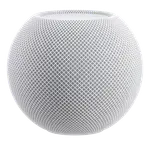
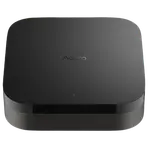
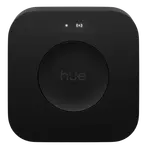
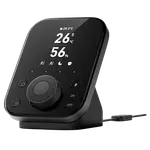
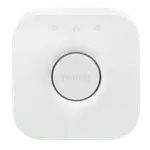
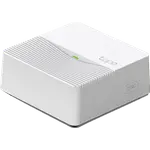
Apple Home needs a home hub for automations, remote access and Matter: a HomePod, a HomePod mini or an Apple TV. This is the one in our catalog:

Products

Products that work with Apple Home

563 products, the best sellers first.

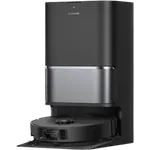
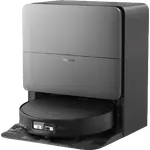
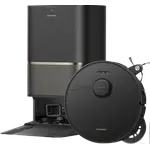
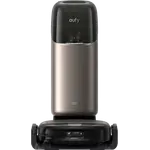
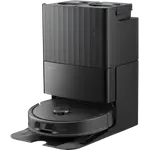
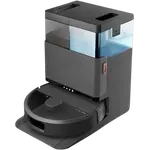
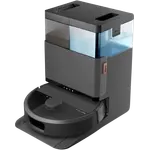
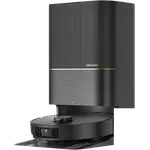
Robot Vacuums that work with Apple Home

See all 76 robot vacuums

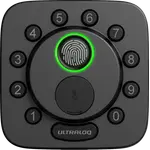
Door Locks that work with Apple Home

See all 39 door locks

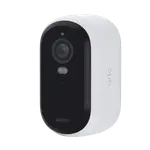
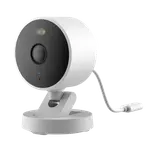
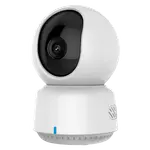
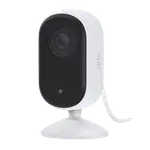
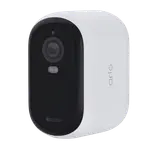
Cameras that work with Apple Home

See all 36 cameras

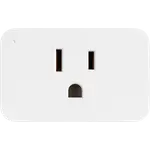
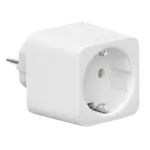
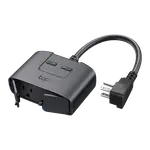
Plugs that work with Apple Home

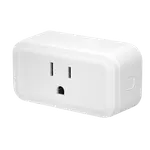
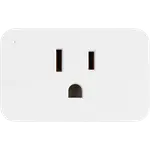
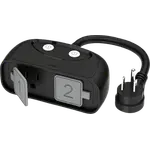
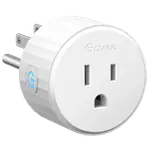
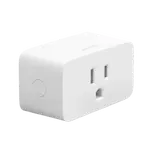
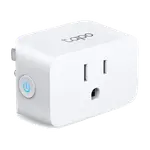
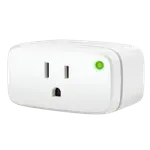
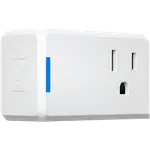
See all 35 plugs

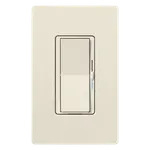
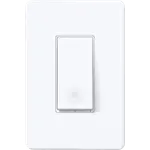
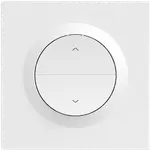
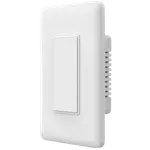
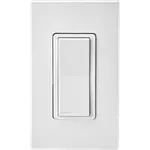
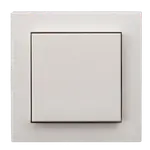
Wall Switches that work with Apple Home

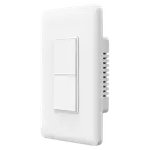
See all 34 wall switches

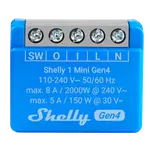
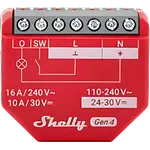
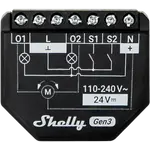
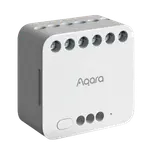
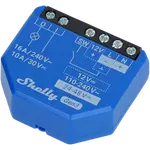
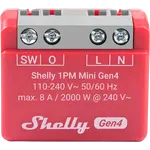
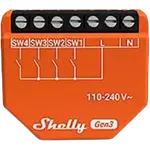
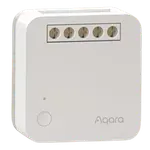
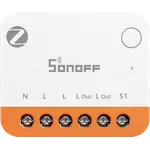
Relays that work with Apple Home

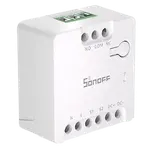
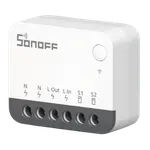
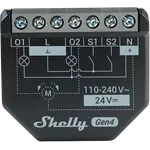
See all 31 relays

LED Bulbs that work with Apple Home

See all 25 led bulbs
Connections

How Apple Home connects and compares

Apple Home logoApple HomePrivacy-focused with Apple ecosystemAlexa logoAlexaOne of the widest device compatibility ecosystemsGoogle Home logoGoogle HomeSeamless integration with Google servicesHome Assistant logoHome AssistantOpen-source with unlimited possibilities
Voice assistantSiriAlexaGoogle AssistantCommunity voice options
Local controlPartial: your Apple devices control accessories at home; away from home it goes through a home hubPartial: Matter devices are controlled locallyPartial: Matter devices are controlled locally at homeFull
Privacy
Automation power
Ease of setup
Community
Max devices~150~300~300Unlimited
Wi-Fi logoWi-Fi
Bluetooth logoBluetooth
Zigbee logoZigbee
Z-Wave logoZ-Wave
Thread logoThread
Matter logoMatter
Best forApple users who value privacyVoice-first smart home loversAndroid users & Google enthusiastsPower users & privacy advocates
Pros
  • End-to-end encrypted: Apple cannot read your home data
  • Adding an accessory is scanning a single code
  • Same app on iPhone, iPad, Mac and Watch
  • One of the largest catalogs of compatible devices
  • Routines cover almost anything without code
  • Echo hubs bring Zigbee, Thread and Matter
  • Works out of the box on any Android phone
  • Nest speakers, displays and routers act as Matter hubs
  • Nest cameras and doorbells integrate natively
  • Runs locally, with no cloud account needed
  • Zigbee, Z-Wave, Thread and Matter in one hub
  • Bridges Google, Alexa and HomeKit together
Cons
  • The fewest compatible devices of the main ecosystems
  • Needs a HomePod or Apple TV to automate
  • Nothing works from an Android phone
  • Relies on the cloud for most features
  • Voice recordings are processed on Amazon servers
  • No Z-Wave and no local API
  • Relies on the cloud for most features
  • The most basic automation editor of the main ecosystems
  • No Zigbee or Z-Wave radios
  • The steepest learning curve of the main ecosystems
  • You run and update the hardware yourself
  • Hands-free voice needs extra hardware, such as Home Assistant Voice

See the full comparison

Numbers

Apple Home in our catalog

563products in our catalog work with Apple Homeacross 38 categories

Where they are

Robot Vacuums76
Door Locks39
Cameras36
Plugs35
Wall Switches34
Relays31
Hubs26
LED Bulbs25
Light Strips21
Temperature & Humidity Sensors21

More numbers in the catalog report

FAQ

Frequently asked questions

What works with Apple Home?

Accessories made for HomeKit and, since Apple Home supports Matter, most Matter devices too. Each category on this page links to its full list in our catalog.

Do I need a home hub for Apple Home?

For automations, remote control, sharing your home and recording cameras, yes: a HomePod, a HomePod mini or an Apple TV. The iPad is no longer supported as a home hub.

Do I need iCloud+ for Apple Home?

Only to record cameras with HomeKit Secure Video. The 50 GB plan records one camera, the 200 GB plan up to five and the 2 TB plans any number. Everything else is free.

Does Apple Home work with Matter?

Yes. The Home app adds and controls Matter accessories, and HomePod mini, HomePod (2nd generation) and Apple TV 4K (Wi-Fi + Ethernet) act as Thread border routers for Matter devices that use Thread.

Can I use Apple Home on Android?

No. The Home app runs on iPhone, iPad, Mac and Apple Watch, and Apple makes no version for Android.

Is Apple Home private?

Apple says Home app data is stored so that Apple cannot read it, and commands between your devices and the home hub are end-to-end encrypted. Camera video is analyzed on the home hub itself.

News by email

Smart home news and new releases, by email

New releases and the smart home news worth knowing, in your inbox.

Smart home news and new releases, straight to your inbox

New releases, comparisons and the smart home news worth knowing.

No spam. Unsubscribe in one click.

Your subscription could not be saved. Please try again.
Please enter a valid email address.
Tick the box above to finish signing up.
We couldn't verify you're human. Please try again.
Too many attempts. Please try again in an hour.
Your subscription has been successful.