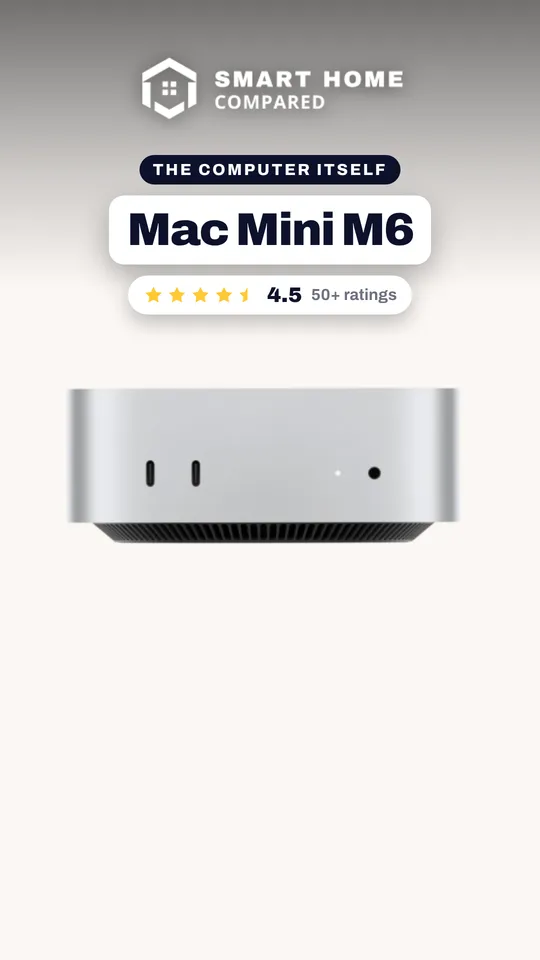



Apple Mac Mini M6 Review: A Tiny, Fast Desktop Held Back by Its Entry Configuration
The Mac Mini with the M6 chip is a very fast, quiet and compact desktop that owners rate highly for everyday work, development and light video editing, and it is a big step up from an Intel Mac or an older M1. The trade-offs are the base configuration itself: 256GB of storage fills quickly, 16GB of unified memory is limiting for larger local AI models, and many owners find the price high for what the entry model offers. Buy this one if you plan to lean on external storage; otherwise step up in memory and storage.
- Compact desktop replacement
- Office and development work
- Light video editing
- Upgrading from an Intel Mac or M1
Pros
- Very fast for everyday work, development and light video editing
- Quiet and cool in daily use, fan only audible under heavy encoding
- Big jump over Intel Macs and the older M1 Mac mini
- 12-core M6 with a 12-core GPU and a dual 16-core Neural Engine
- Wi-Fi 7, Bluetooth 6, Thread and 2.5 Gigabit Ethernet
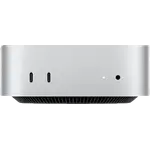
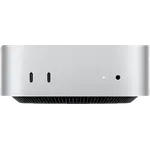
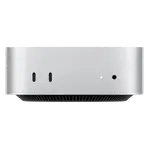
- Three Thunderbolt 4 ports, HDMI and two front USB-C ports
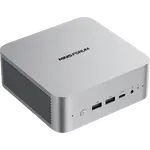
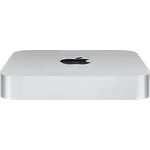
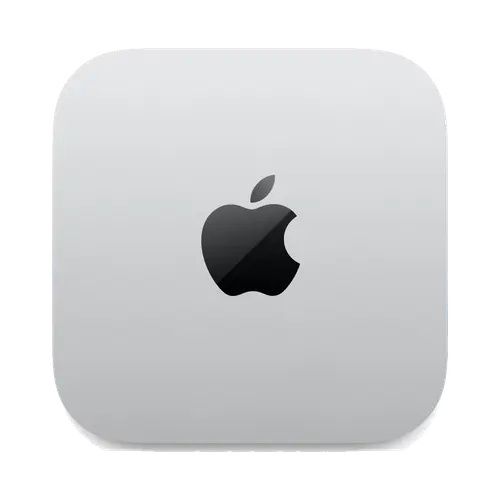
- 127 mm square aluminum body with a built-in 155W power supply
Cons
- 256GB of storage fills quickly for audio, video or large libraries
- 16GB of unified memory is limiting for larger local AI models
- Price is called high for the entry configuration
- No microphone, SD card slot, fingerprint sensor or Kensington lock
- No USB-A ports and no HDMI cable or VESA mount in the box
Who is the Apple Mac Mini M6 for?
This is a full desktop for someone who already has a display, keyboard and mouse and wants the computer itself to stay out of the way. Owners describe using it for office tasks, family computing, software development, music work, light video editing and local AI experiments, and several moved to it from an Intel Mac or an M1 Mac mini. The 12-core M6, 12-core GPU and dual 16-core Neural Engine handle that range, and macOS 27 is what ships on it.
What owners like about the Apple Mac Mini M6
Speed and size are the two themes that come up most. Owners report that boot times are near instant, many programs open at once without lag, and a large ultrawide display runs smoothly. Light video editing and heavy developer tasks are described as comfortable, and some owners bought a second unit. It is also described as quiet and cool, with the fan only audible under heavy video encoding. The 127 mm square aluminum body, 670 grams and built-in power supply fit on any desk, and Bluetooth peripherals paired reliably once set up. Wi-Fi 7, Bluetooth 6, 2.5 Gigabit Ethernet and three Thunderbolt 4 ports are on the spec sheet.
What to know before you buy
The 256GB SSD is the most common complaint. Owners who edit audio or video, or who keep large sample libraries, run out of room quickly and end up relying on an external drive, so budget for one or choose a larger configuration. Memory is the second caveat: 16GB works for everyday tasks, but an owner who tried local language models found it not powerful enough for complicated work. The price is called high by several owners, who point to the cost of memory and storage. The spec sheet also lists no microphone, no SD card slot, no fingerprint sensor, no Kensington lock, no USB-A ports, and no HDMI cable or VESA mount in the box. The first pairing of a Bluetooth keyboard is easier with a cable or wired keyboard on hand.
Is the Apple Mac Mini M6 worth it?
For the performance and the footprint, owners are happy: it is a very compact desktop that runs fast and quiet. The value call depends on the configuration. The 16GB and 256GB model is a good fit for light work with an external drive, while heavier storage or AI needs point to more memory and storage, or to another mini PC in this category with upgradeable parts.
Frequently asked questions
Is 256GB enough on the Apple Mac Mini M6?
For light use with cloud files or an external drive, yes. Owners who edit audio or video, or keep large sample libraries, say 256GB is too small and plan on external storage or a bigger configuration.
Can the Apple Mac Mini M6 run local AI models?
It has a dual 16-core Neural Engine and unified memory built for on-device AI, and owners run local AI workflows on it. With 16GB, an owner found complicated local language model work too heavy, and memory for this chip can be specified up to 32GB.
Which ports does it have?
The front has two USB 3 Type-C ports and a 3.5 mm headphone jack. The back has three Thunderbolt 4 ports (USB 4 and DisplayPort 1.4), one HDMI port and 2.5 Gigabit Ethernet. There is no USB-A port.
Is the Apple Mac Mini M6 quiet?
Owners describe it as very quiet and cool, with the fan only audible during heavy video encoding.
What comes in the box?
The Mac Mini and a power cord. There is no HDMI cable, no VESA mount and no display, keyboard or mouse.