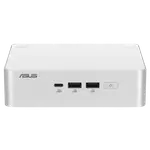
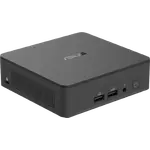
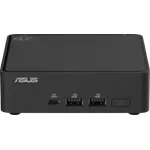
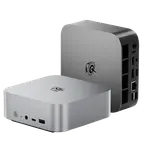
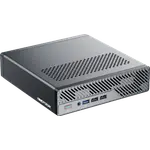
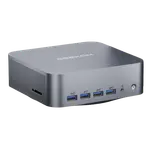
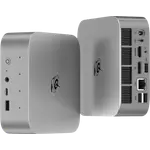
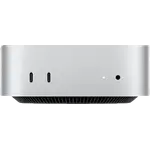
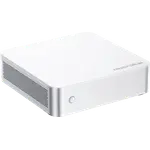
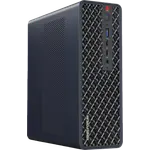
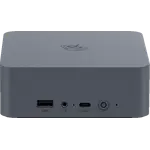
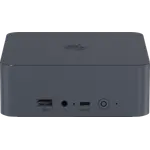
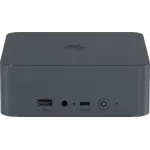
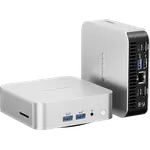
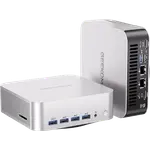
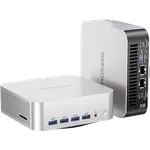
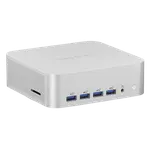
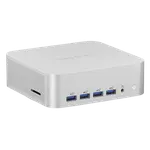
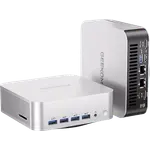
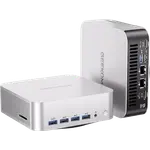
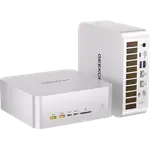
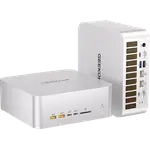
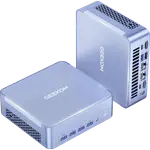
Winner

Full Mini PCs comparison in 2026
New releases and the smart home news worth knowing, in your inbox.
No spam. Unsubscribe in one click.
| Feature | Beelink EQR7 (7735U 16GB + 500GB) | Geekom A5 Pro (Ryzen 5 16GB + 512GB) | Winner |
|---|---|---|---|
| Price | $539.00 | $569.00 | Beelink EQR7 (7735U 16GB + 500GB) |
| Memory Type | LPDDR5 | DDR4 | Beelink EQR7 (7735U 16GB + 500GB) |
| Storage Capacity | 500 GB | 512 GB | Geekom A5 Pro (Ryzen 5 16GB + 512GB) |
| CPU Model | AMD Ryzen 7 7735U | AMD Ryzen 5 7430U | Different strengths |
| GPU Model | AMD Radeon 680M (12 CUs) | AMD Radeon Vega 7 | Different strengths |
| Rating | 4.3 | 4.3 | Tie |
| Warranty | 3 years | 3 years | Tie |
| Memory Configuration | Dual-channel | Dual-channel | Tie |
| Memory Capacity | 16 GB | 16 GB | Tie |
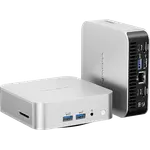
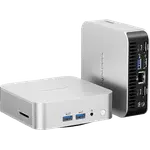
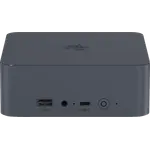
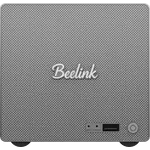
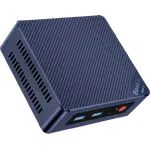
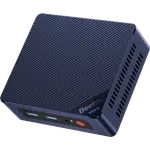
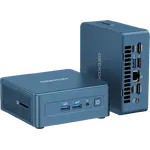
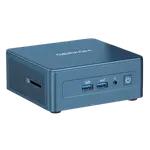
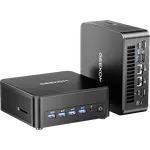
The Beelink EQR7 (7735U 16GB + 500GB) runs an eight-core Ryzen 7 7735U with Radeon 680M graphics, while the Geekom A5 Pro (Ryzen 5 16GB + 512GB) uses a six-core Ryzen 5 7430U with Vega 7. More cores and a stronger iGPU make the Beelink the better fit for heavier multitasking and light gaming.
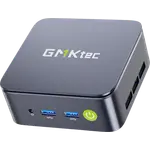
Both ship with 16GB, but the Beelink uses soldered LPDDR5 that cannot be upgraded past 16GB, while the Geekom uses DDR4 SODIMM modules and reaches 64GB. If you might want more memory later, only the Geekom gives you that path.
The drives are almost the same size, 500GB against 512GB, so capacity should not decide it. What differs is expansion: the Beelink has two M.2 2280 PCIe 4.0 slots, the Geekom a single M.2 2280 PCIe 3.0 slot, so the Beelink is the easier one to grow.
The Beelink carries two 2.5G Ethernet ports and an internal 85W power supply, so it runs from one cable and can keep a lab segment off the main LAN. The Geekom has a single 2.5G port and an external 65W adapter.
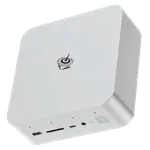
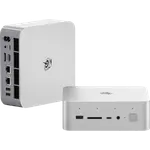
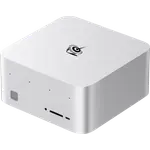
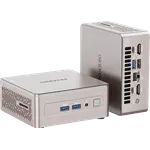
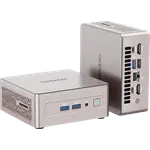
The Geekom adds an SD card reader, a Kensington lock and DisplayPort output over USB-C for up to four screens, none of which the Beelink offers. The Beelink counters with two HDMI ports and a data-only USB-C, so multi-monitor buyers should check which connectors their displays need.
The Beelink EQR7 (7735U 16GB + 500GB) has two 2.5G Ethernet ports and a built-in power supply, which suits an always-on networked role.
The Geekom A5 Pro (Ryzen 5 16GB + 512GB) uses SODIMM slots that reach 64GB, while the Beelink solders its 16GB in place.
The Geekom adds an SD reader and DisplayPort over USB-C for up to four screens.
The Beelink combines a lower price with a stronger eight-core chip and Radeon 680M graphics.
Owners of both mini PCs tend to praise the same things: quiet operation for everyday work, quick setup and enough speed for office software and streaming. Beelink EQR7 (7735U 16GB + 500GB) owners single out near-silent cooling even under load, the convenience of an internal power supply with a single cable, and the room for a second M.2 drive, while their main caveat is that the 16GB of LPDDR5 is soldered and can never grow, alongside HDMI-only video and isolated restart reports. Geekom A5 Pro (Ryzen 5 16GB + 512GB) owners talk more about the aluminium build, a painless bloat-free setup and the flexibility of SODIMM memory, and they warn that there is no 2.5 inch bay and that the integrated Vega 7 graphics are not for gaming.
The Beelink EQR7 (7735U 16GB + 500GB) for most buyers. It costs less, runs a stronger eight-core processor with Radeon 680M graphics, carries dual 2.5G Ethernet and an internal power supply, and its LPDDR5 memory is faster than the Geekom's DDR4. The Geekom A5 Pro (Ryzen 5 16GB + 512GB) wins only when you need upgradeable memory, an SD reader or DisplayPort output.
Memory policy. The Beelink solders 16GB of LPDDR5 to the board so it can never be expanded, while the Geekom puts 16GB of DDR4 in SODIMM slots that accept up to 64GB. That single choice decides who should buy which.
No. Its 16GB of LPDDR5 is soldered as two 8GB chips, so it runs in dual channel but cannot be replaced. Storage can grow through the second M.2 2280 PCIe 4.0 slot.
No. The Geekom A5 Pro (Ryzen 5 16GB + 512GB) drives up to four screens through two HDMI 2.0 ports and two USB-C outputs with DisplayPort, while the Beelink EQR7 (7735U 16GB + 500GB) drives two through HDMI only.
Anyone who wants a quiet, capable mini PC for office work, light gaming or a dual-LAN home lab and is comfortable with fixed 16GB of memory.
Buyers who plan to add memory later, need an SD card reader or a Kensington lock, or want to run four displays from a compact aluminium chassis.
Spotted something wrong on this page? Tell us and we will fix it.
 Our store on AmazonShop our ideas on AmazonLists of the smart home setups we would put together ourselves, ready to add to your Amazon cart.Shop on Amazon
You are looking at two of them. The full table lines up all Mini PCs in the catalog with the same specs, so you can filter by what you need and sort by price or rating.