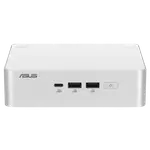
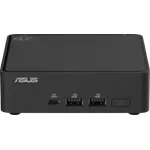
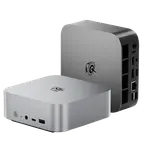
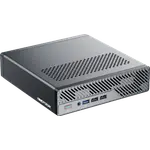
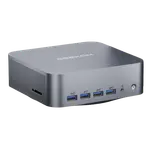
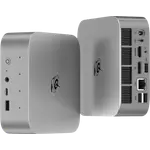
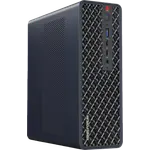
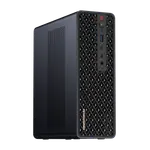
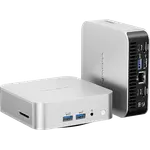
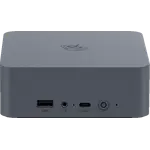
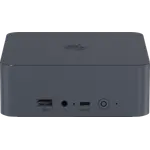
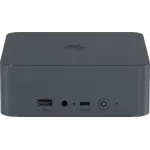
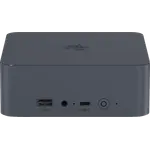
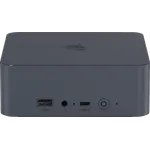
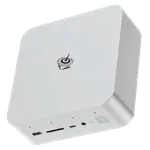
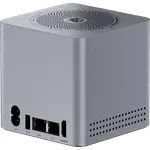
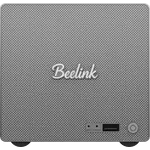
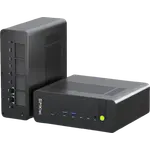
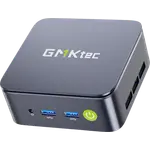
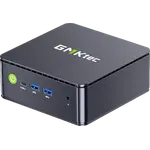
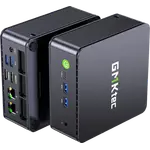
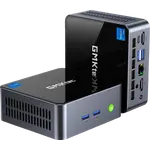
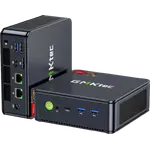
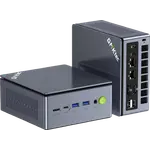
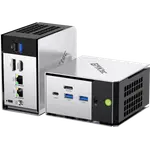
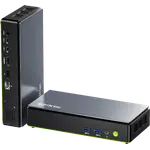
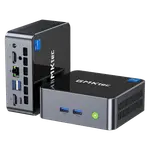
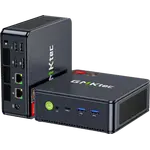
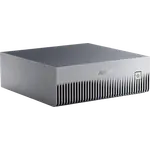
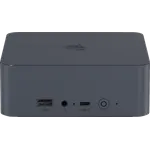
Winner

Full Mini PCs comparison in 2026
New releases and the smart home news worth knowing, in your inbox.
No spam. Unsubscribe in one click.
Where these two are furthest apart, and by how much.
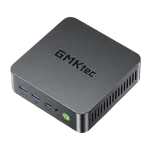
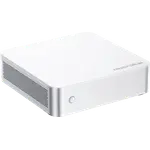
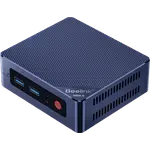
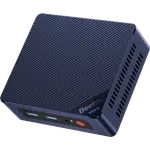
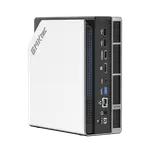
| Feature | Beelink EQR7 (7735U 16GB + 500GB) | GMKtec NucBox M5 Ultra (32GB + 512GB) | Winner |
|---|---|---|---|
| Price | $539.00 | $419.99 | GMKtec NucBox M5 Ultra (32GB + 512GB) |
| Rating | 4.3 | 4.4 | GMKtec NucBox M5 Ultra (32GB + 512GB) |
| Warranty | 3 years | 1 year | Beelink EQR7 (7735U 16GB + 500GB) |
| Memory Type | LPDDR5 | DDR4 | Beelink EQR7 (7735U 16GB + 500GB) |
| Memory Speed | 4800 MT/s | 3200 MT/s | Beelink EQR7 (7735U 16GB + 500GB) |
| Memory Capacity | 16 GB | 32 GB | GMKtec NucBox M5 Ultra (32GB + 512GB) |
| Storage Capacity | 500 GB | 512 GB | GMKtec NucBox M5 Ultra (32GB + 512GB) |
| CPU Model | AMD Ryzen 7 7735U | AMD Ryzen 7 7730U | Different strengths |
| GPU Model | AMD Radeon 680M (12 CUs) | AMD Radeon Graphics (8 cores, up to 2000 MHz) | Different strengths |
| Memory Configuration | Dual-channel | Dual-channel | Tie |
The Beelink EQR7 (7735U 16GB + 500GB) has 16 GB of soldered LPDDR5-4800 that can never be expanded. The GMKtec NucBox M5 Ultra (32GB + 512GB) ships 32 GB of DDR4-3200 across two SO-DIMM slots and takes 64 GB. The GMKtec gives more memory and room to grow, the Beelink the newer memory technology.
The Beelink EQR7 (7735U 16GB + 500GB) builds its 85W power supply into the case, so it runs from a plain AC cable. The GMKtec NucBox M5 Ultra (32GB + 512GB) uses an external 65W adapter. The Beelink gives the tidier desk and is the easier machine to move around.
The Beelink EQR7 (7735U 16GB + 500GB) drives two monitors through two HDMI ports at 4K 60Hz. The GMKtec NucBox M5 Ultra (32GB + 512GB) adds DisplayPort 1.4 and a USB-C output, for three displays with 8K support on DisplayPort. The GMKtec suits a busier desk.
The GMKtec NucBox M5 Ultra (32GB + 512GB) has Wi-Fi 6E and Bluetooth 5.2. The Beelink EQR7 (7735U 16GB + 500GB) has Wi-Fi 6 and Bluetooth 5.2. Both have dual 2.5G Ethernet, so on Wi-Fi the GMKtec reaches the newer 6 GHz band and the Beelink does not.
The Beelink EQR7 (7735U 16GB + 500GB) is covered for three years. The GMKtec NucBox M5 Ultra (32GB + 512GB) carries a one-year warranty. On two machines in the same class, the Beelink protects the purchase for longer.
The Beelink EQR7 (7735U 16GB + 500GB) runs from a single cable, stays near-silent and is covered for three years.
The GMKtec NucBox M5 Ultra (32GB + 512GB) ships 32 GB and takes 64 GB, against the Beelink's fixed 16 GB.
Its HDMI, DisplayPort and USB-C outputs drive three displays, while the Beelink offers two HDMI ports only.
The Beelink EQR7 (7735U 16GB + 500GB) is the more affordable option and the one with the three-year warranty.
Both groups lead with quiet operation, and both describe a small machine that feels quick for its size. Beelink EQR7 (7735U 16GB + 500GB) owners call it near-silent even under load, like that it arrives with Windows 11 Pro and no external power brick, and mention value repeatedly now that separate memory has become costly; they also note that the Radeon 680M plays older and lighter games acceptably. Their warnings are the soldered 16 GB that cannot be upgraded, HDMI-only output with no USB4 or DisplayPort, a plain plastic case, and isolated reports of unexpected restarts. GMKtec NucBox M5 Ultra (32GB + 512GB) owners focus on performance per watt, describe it as silent in normal use and praise Linux support, reporting clean installs of Fedora and Mint and virtualisation without trouble, plus GMKtec support answering quickly. They flag the older DDR4 and PCIe 3.0 platform, graphics that run hot under gaming, and a rare sleep-wake fault.
The Beelink EQR7 (7735U 16GB + 500GB) is the better all-round desktop, with LPDDR5 memory, an internal power supply and a three-year warranty. The GMKtec NucBox M5 Ultra (32GB + 512GB) is the better server or virtualisation box, thanks to 32 GB of memory and dual 2.5G Ethernet.
Memory and power. The Beelink EQR7 (7735U 16GB + 500GB) has fast but soldered LPDDR5 and an internal 85W supply, while the GMKtec NucBox M5 Ultra (32GB + 512GB) offers 32 GB of upgradeable DDR4 and an external adapter in exchange for a shorter warranty.
No. Its 16 GB of LPDDR5 is soldered to the board, so it cannot be replaced or expanded, though its storage can grow through a second M.2 slot. If you want upgradeable memory, the GMKtec NucBox M5 Ultra (32GB + 512GB) has two SO-DIMM slots.
The GMKtec NucBox M5 Ultra (32GB + 512GB), because it ships with 32 GB of memory and two 2.5G Ethernet ports, and owners report running Proxmox and Linux on it without performance issues. The Beelink EQR7 (7735U 16GB + 500GB) also has dual 2.5G but is capped at 16 GB.
Buyers who want a quiet, compact Windows desktop with an internal power supply, dual 2.5G networking and a three-year warranty for office work, media and light gaming, and who are certain 16 GB of memory is enough.
Spotted something wrong on this page? Tell us and we will fix it.
 Our store on AmazonShop our ideas on AmazonLists of the smart home setups we would put together ourselves, ready to add to your Amazon cart.Shop on Amazon
You are looking at two of them. The full table lines up all Mini PCs in the catalog with the same specs, so you can filter by what you need and sort by price or rating.