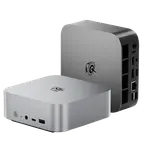
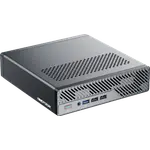
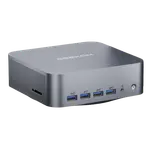
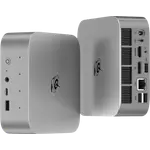
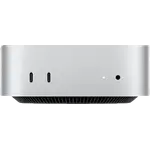
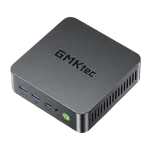
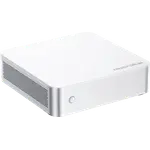
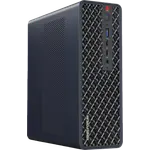
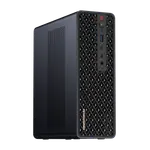
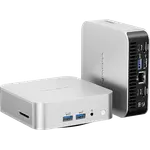
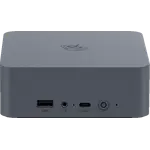
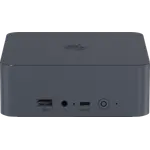
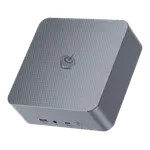
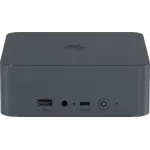
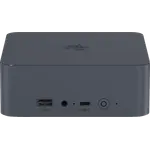
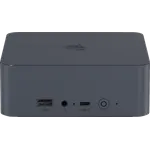
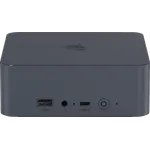
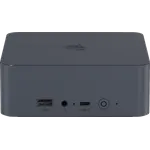
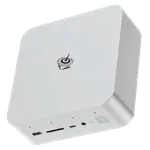
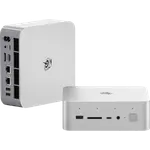
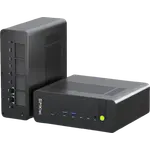
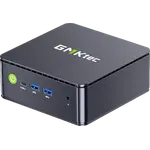
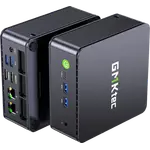
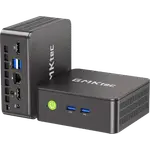
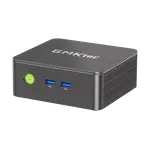
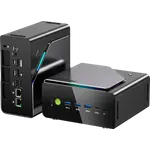
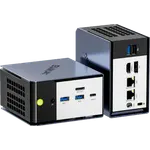
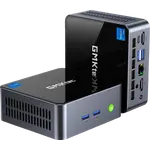
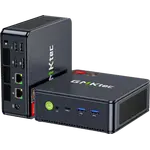
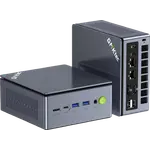
Winner

Full Mini PCs comparison in 2026
New releases and the smart home news worth knowing, in your inbox.
No spam. Unsubscribe in one click.
Where these two are furthest apart, and by how much.
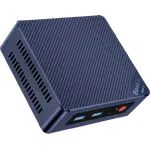
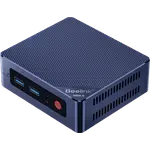
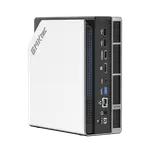
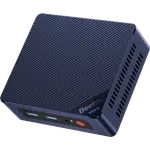
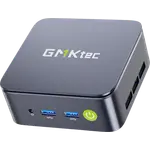
| Feature | Beelink Mini S13 (N150 12GB + 500GB) | GMKtec G10 (16GB + 512GB) | Winner |
|---|---|---|---|
| Price | $339.00 | $319.89 | GMKtec G10 (16GB + 512GB) |
| Rating | 4.3 | 4.2 | Beelink Mini S13 (N150 12GB + 500GB) |
| Warranty | 3 years | 1 year | Beelink Mini S13 (N150 12GB + 500GB) |
| Memory Type | LPDDR5 | DDR4 | Beelink Mini S13 (N150 12GB + 500GB) |
| Memory Speed | 4800 MT/s | 2400 MHz | Beelink Mini S13 (N150 12GB + 500GB) |
| Memory Capacity | 12 GB | 16 GB | GMKtec G10 (16GB + 512GB) |
| Storage Capacity | 500 GB | 512 GB | GMKtec G10 (16GB + 512GB) |
| CPU Model | Intel N150 | AMD Ryzen 5 3500U | Different strengths |
| Memory Configuration | Single-channel | Dual-channel | Different strengths |
| GPU Model | Intel UHD Graphics (24 EUs) | AMD Radeon Vega 8 Graphics (up to 1200 MHz) | Different strengths |
The GMKtec G10 (16GB + 512GB) ships with 16GB of DDR4 in two SO-DIMM slots and can be upgraded to 64GB, while the Beelink Mini S13 (N150 12GB + 500GB) has 12GB of LPDDR5 soldered to the board, so its memory is fixed from the start.
The LPDDR5 in the Beelink Mini S13 (N150 12GB + 500GB) runs at 4800 MT/s against 2400 MHz DDR4 in the GMKtec G10 (16GB + 512GB), which the smaller machine turns into snappier everyday responsiveness.
The GMKtec G10 (16GB + 512GB) drives three screens through HDMI, DisplayPort and USB-C. The Beelink Mini S13 (N150 12GB + 500GB) drives two through its two HDMI outputs and has no USB-C video.
The Beelink Mini S13 (N150 12GB + 500GB) carries a three-year warranty; the GMKtec G10 (16GB + 512GB) is covered for one year.
The Beelink Mini S13 (N150 12GB + 500GB) uses the efficient Intel N150 and runs quiet out of the box, while the GMKtec G10 (16GB + 512GB) pairs an older Ryzen 5 3500U with a BIOS power profile that has to be switched to Performance before it feels quick, after which it runs hot.
The Beelink Mini S13 (N150 12GB + 500GB) is the more affordable, better reviewed and three-year-backed machine.
The GMKtec G10 (16GB + 512GB) has two SO-DIMM slots and reaches 64GB.
The GMKtec G10 (16GB + 512GB) adds DisplayPort and USB-C video to its HDMI output.
The Beelink Mini S13 (N150 12GB + 500GB) is built for exactly that and runs quietly with no tuning.
The GMKtec G10 (16GB + 512GB) gives you socketed memory, two NVMe bays and USB-C power.
Owners of the GMKtec G10 (16GB + 512GB) agree almost to a person that it is far more computer than the money suggests: near silent in normal use, quick to set up because Windows 11 Pro arrives activated, and easy to open for a memory or SSD upgrade. Many run it as a small always-on home server with Linux, and the 2.5G Ethernet port keeps coming up as the detail rivals skip. The recurring caveats are specific: it leaves the factory in a low-power BIOS profile and feels sluggish until Performance mode is enabled, after which it runs hot, drivers can be missing after a clean install, and the warranty only lasts a year with mixed reports on support.
For most home-office buyers the Beelink Mini S13 (N150 12GB + 500GB), which is cheaper, better reviewed and backed for three years, with faster LPDDR5 memory. The GMKtec G10 (16GB + 512GB) is the pick when you need upgradeable memory, a little more storage or three display outputs.
The memory. The Beelink Mini S13 (N150 12GB + 500GB) has 12GB of fast but soldered LPDDR5, so it cannot change. The GMKtec G10 (16GB + 512GB) has 16GB of slower DDR4 in two slots that can be upgraded to 64GB.
Only the GMKtec G10 (16GB + 512GB). Both have a second M.2 slot for storage, but the Beelink Mini S13 (N150 12GB + 500GB) has its 12GB of memory soldered, so RAM cannot be added.
It ships in a conservative BIOS power profile. Owners report a large jump in responsiveness after switching it to Performance mode, at the cost of running hotter under load. The Beelink Mini S13 (N150 12GB + 500GB) has no such setting and behaves the same out of the box.
Anyone who wants a quiet, low-power Windows mini PC for a desk or a TV, prioritising the lowest price, a strong review record and a three-year warranty over upgradeable memory.
A buyer who wants to grow the machine over time: socketed memory that reaches 64GB, two NVMe bays, three display outputs and USB-C power, and who does not mind flipping a BIOS setting to Performance on day one.
Spotted something wrong on this page? Tell us and we will fix it.
 Our store on AmazonShop our ideas on AmazonLists of the smart home setups we would put together ourselves, ready to add to your Amazon cart.Shop on Amazon
You are looking at two of them. The full table lines up all Mini PCs in the catalog with the same specs, so you can filter by what you need and sort by price or rating.