



Beelink Mini S13 Review: Dual 2.5G Networking on a Palm-Sized N150
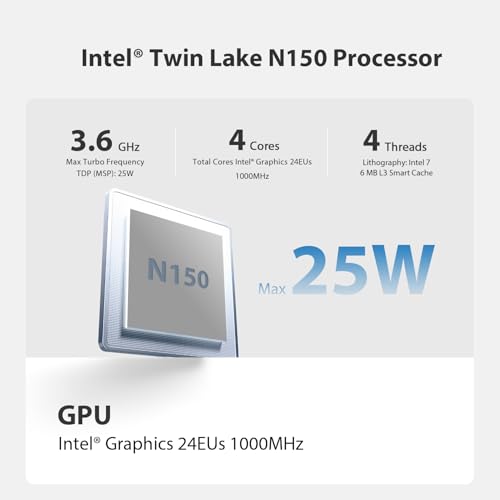
The Beelink Mini S13 takes the low-power N150 platform and adds the one feature most machines in its class leave out: two 2.5G Ethernet ports. That turns a cheap, quiet, four-core box into a plausible home router, firewall or server as well as an office desktop, and a second M.2 slot means storage can grow even though memory cannot. The four-core, four-thread N150 reaching 3.6GHz is built for documents, browsing and 4K playback, not for editing or gaming, 16GB is the memory ceiling, and the second network port costs this version its second HDMI output, so it drives one screen.
- Home servers and network appliances
- Quiet office desktops
- Media playback and HTPC use
- Low-power always-on machines
Pros
- Two 2.5G Ethernet ports, rare at this size and price
- Second M.2 slot for storage expansion alongside the boot drive
- Efficient four-core Intel N150 up to 3.6GHz
- 16GB of DDR4 memory at 3200 MT/s
- Wi-Fi 6 and Bluetooth 5.2
- Wall-mounting bracket and HDMI cable included, plus a lock slot
- Three-year warranty
Cons
- Memory is capped at 16GB
- Boot drive is M.2 SATA rather than NVMe
- Single HDMI output, so only one display
- No USB-C, NPU, USB4, Thunderbolt or DisplayPort
- No SD card reader
Who is the Beelink Mini S13 for?
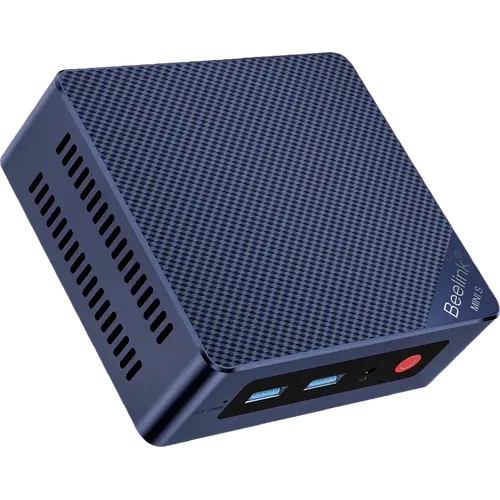
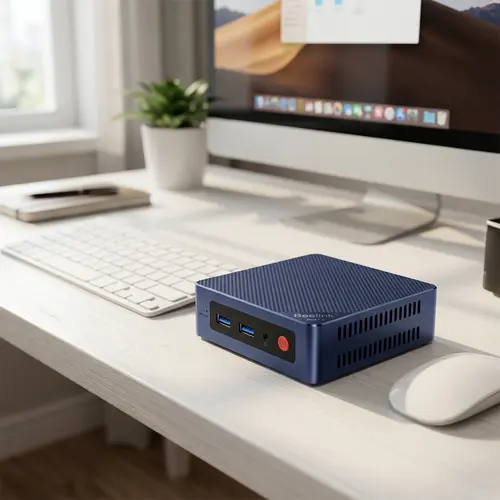
Two 2.5G Ethernet ports are the giveaway: this is designed for machines that sit on a network and stay on. A router or firewall build, a small file or media server, or a business desktop that needs a wired link faster than gigabit all fit. The Intel N150 is a four-core, four-thread Twin Lake chip with Intel graphics running 24 execution units at 1000MHz, which covers office suites, browsing, video calls and 4K streaming while drawing very little power. At 730 grams with air cooling, it is quiet enough for a desk or a shelf, and the included wall bracket lets it hang behind a monitor or under a desk.
What the Beelink Mini S13 offers
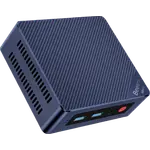
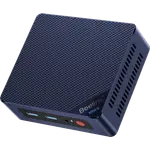
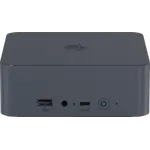
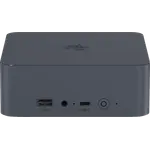
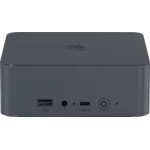
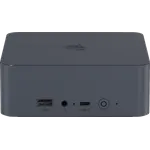
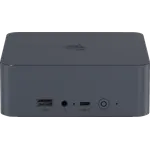
Storage is more flexible than the class norm: alongside the 500GB M.2 2280 SATA drive it ships with, there is a second independent M.2 PCIe 3.0 slot for expansion, so capacity can be added without replacing the boot drive. Memory is 16GB of DDR4 at 3200 MT/s in a single SODIMM slot. Connectivity covers dual 2.5G Ethernet, Wi-Fi 6 and Bluetooth 5.2, with three USB 3.2 Gen 2 Type-A ports at 10Gbps, one USB 2.0 port, a single HDMI output at 4K 60Hz and a headphone jack. Windows 11 Home is pre-installed, the box includes an HDMI cable, a 36W adapter and a wall-mounting bracket, a lock slot on the back takes a cable lock, and the machine carries a three-year warranty.
What to know before you buy
Memory is capped at 16GB, which is limiting for a virtualization or container host even though the networking invites that use. The boot drive is M.2 SATA rather than NVMe, so sequential speeds trail machines with PCIe 4.0 storage, and the second slot runs at PCIe 3.0 x1. This dual-LAN version has only one HDMI output, so it cannot run two monitors, and there is no USB-C, no NPU, no USB4 or Thunderbolt, no DisplayPort and no SD card reader. Integrated graphics rule out gaming beyond very light titles.
Is the Beelink Mini S13 worth it?
It earns its place through the dual 2.5G ports. Very few machines this small and this cheap give you two multi-gigabit network interfaces, and combined with a second storage slot and low power draw that makes it a genuinely useful appliance rather than just another budget desktop. If the plan is an office computer with two monitors, a Mini S13 version with two HDMI outputs is the better fit, and if the plan is a serious virtualization host, the 16GB ceiling will be the wall you hit first.
Frequently asked questions
Why does the Beelink Mini S13 have two Ethernet ports?
The dual 2.5G ports let it act as a network appliance, such as a router, firewall or server with separate WAN and LAN links, in addition to working as an ordinary desktop.
Can you add more storage to the Beelink Mini S13?
Yes. Beyond the 500GB M.2 2280 SATA drive it ships with, there is a second independent M.2 PCIe 3.0 slot for an additional drive.
Can the Beelink Mini S13 run two monitors?
Not this dual-LAN version. It has a single HDMI output at 4K 60Hz and no USB-C or DisplayPort, because the second Ethernet port takes the place of the second HDMI port found on the other Mini S13 versions.
How much memory does the Beelink Mini S13 support?
16GB of DDR4 at 3200 MT/s in a single SODIMM slot, which is both the installed amount and the maximum.
Is the Beelink Mini S13 suitable for gaming?
No. The Intel graphics in the N150 handle 4K video playback and desktop work, but not modern games.
Does the Beelink Mini S13 come with Windows?
Yes. Windows 11 Home is pre-installed, and the box includes an HDMI cable, the power adapter, a wall-mounting bracket and the user manual.