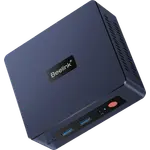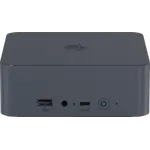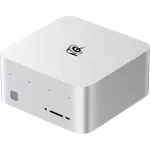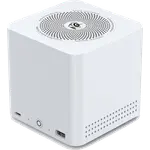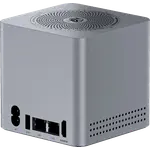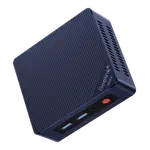




Beelink SEi14 (32GB) Review: A Home Server and Homelab Workhorse in a Tiny Case
The Beelink SEi14 (32GB + 1TB) is built for buyers who want a genuinely capable desktop-replacement or home-server box in a footprint that disappears under a monitor. Owners consistently praise how it handles multitasking, virtualization and creative workloads thanks to the Core Ultra 9 CPU and 32GB of RAM, and many run it as an always-on Proxmox or Plex server. The main trade-off is fan noise under load and a couple of reports of inconsistent performance or Bluetooth flakiness, so it suits people who prioritize compact power and expandability over silent operation.
- Home server and homelab builders
- Remote workers needing a compact multi-monitor desktop
- Creative and audio work requiring lots of RAM
- Buyers wanting an upgradable, small-footprint PC
Pros
- Core Ultra 9 CPU handles multitasking, VMs and creative workloads well
- 32GB dual-channel DDR5, expandable up to 96GB
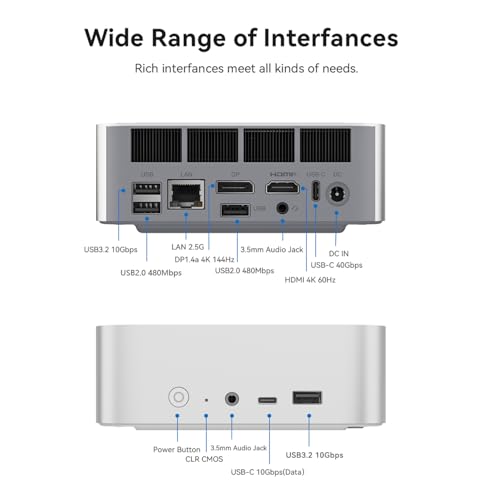
- Thunderbolt 4, HDMI 2.1 and DisplayPort 1.4 for multi-monitor setups
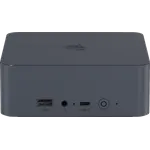
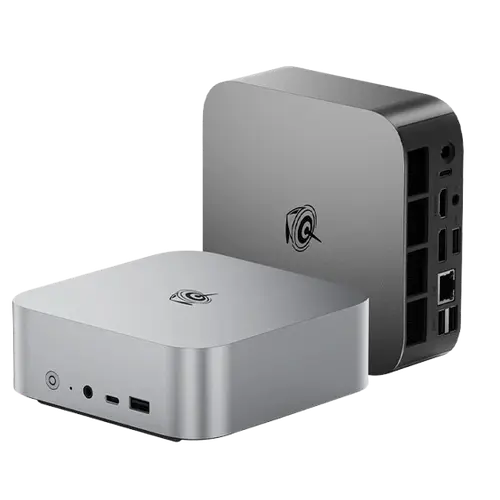
- Compact aluminum chassis, easy to tuck away or mount as a home server
- Includes HDMI cable for quick setup
Cons
- Fan can get loud under sustained load
- No VESA mount included
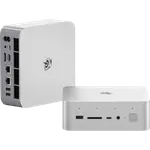
- No SD card slot, fingerprint sensor or Kensington lock
- DisplayPort output needs a 1.4-rated cable to work correctly
Who is the Beelink SEi14 (32GB) for?
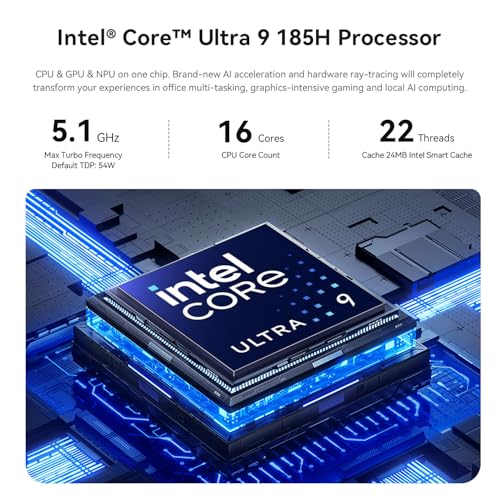
With an Intel Core Ultra 9 185H CPU, 32GB of dual-channel DDR5 memory and a 1TB PCIe Gen4 SSD, the SEi14 is aimed at buyers who need more than a basic browsing box. Owners describe running it as a home server hosting Plex and multiple virtual machines under Proxmox, as a compact work-from-home desktop driving two external monitors over HDMI and DisplayPort, and even as a DAW (Digital Audio Workstation) machine, since the combination of 32GB of RAM and fast M.2 storage suits RAM-hungry creative software better than most laptops in this class. Its small, aluminum chassis makes it easy to tuck under a desk or mount out of sight.
What buyers love
The most consistent praise is for raw performance relative to size: reviewers call it fast and responsive for multitasking, office work, video calls and even light gaming, and several specifically highlight the 32GB of RAM as enough headroom for professional and creative software. Home-server users report it comfortably running several VMs alongside a firewall or Plex without slowdown. Thunderbolt 4, dual-channel DDR5 and a 2.5G Ethernet port back this up on the spec sheet, and the aluminum chassis with dedicated cooling helps it sustain those workloads. Setup is described as quick, and the bundled HDMI cable and pre-installed OS mean it can be up and running out of the box.
What to know before you buy
The most common complaint is fan noise, with some owners calling it louder than expected under sustained load, and a couple of reviews describe performance that felt underwhelming for the specs on their unit. There is also an isolated report of Bluetooth reliability issues after extended use. On the spec sheet, there is no VESA mount included, no SD card slot, no fingerprint sensor and no Kensington lock, so buyers wanting a monitor-mounted or more security-hardened setup will need extra accessories. Video output also matters here: the DisplayPort is 1.4, and at least one buyer had to swap in a newer cable to get it working, so check your cable's spec before assuming it will just work.
Is the Beelink SEi14 (32GB) worth it?
For the price tier, packing a Core Ultra 9 CPU, 32GB of expandable DDR5 memory (up to 96GB) and Thunderbolt 4 into a sub-1kg chassis is a strong value proposition, and buyer sentiment on real-world use, especially homelab and remote-work scenarios, backs that up. The fan noise and occasional performance variance are real trade-offs, but they are the exception rather than the rule in owner feedback, and the core hardware capability is well ahead of typical mini PCs at this size.
Frequently asked questions
Can the Beelink SEi14 (32GB) run as a home server?
Yes. Owners commonly run it as an always-on home server, hosting workloads like Plex media servers and multiple virtual machines under hypervisors such as Proxmox, helped by the 32GB of RAM and fast PCIe SSD.
How much RAM does the Beelink SEi14 (32GB) have and can it be upgraded?
It ships with 32GB of dual-channel DDR5 memory in SODIMM form factor, with support for up to 96GB total.
Does the Beelink SEi14 (32GB) support multiple monitors?
Yes, it outputs video via HDMI 2.1, DisplayPort 1.4 and Thunderbolt 4, enough for a multi-monitor desktop setup. Note the DisplayPort connection requires a cable rated for at least DisplayPort 1.4.
Does the Beelink SEi14 (32GB) come with a VESA mount or extra accessories?
It includes an HDMI cable, but no VESA mount is included, and it lacks an SD card slot, fingerprint sensor and Kensington lock.
Is the Beelink SEi14 (32GB) noisy?
Some owners report the cooling fan gets noticeably loud under sustained heavy workloads, though many others describe it as quiet in typical desktop and light-server use.