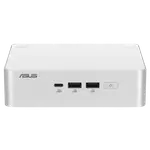
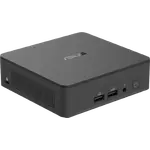
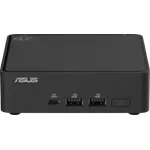
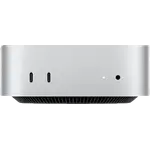
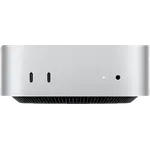
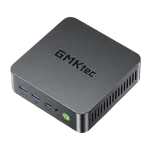
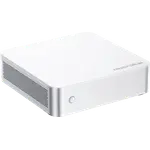
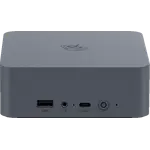
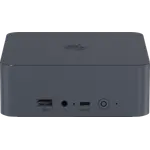
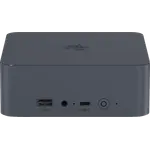
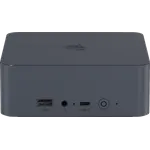
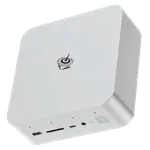
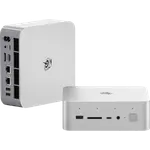
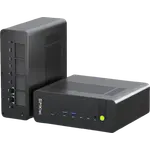
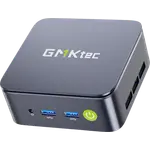
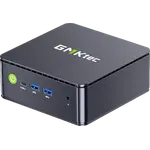
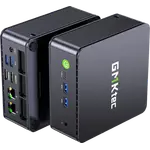
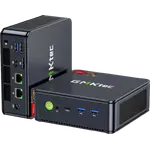
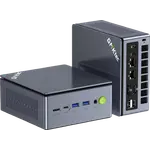
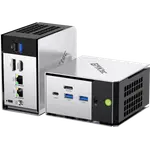
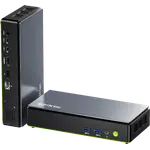
Winner
Price unavailable right now

Full Mini PCs comparison in 2026
New releases and the smart home news worth knowing, in your inbox.
No spam. Unsubscribe in one click.
| Feature | Beelink SEi14 (32GB + 1TB) | GMKtec NucBox M2 Pro S (16GB + 1TB) | Winner |
|---|---|---|---|
| Rating | 5.0 | 4.2 | Beelink SEi14 (32GB + 1TB) |
| Memory Type | DDR5 | DDR4 | Beelink SEi14 (32GB + 1TB) |
| Memory Speed | 5600 MT/s | 3200 MT/s | Beelink SEi14 (32GB + 1TB) |
| Memory Capacity | 32 GB | 16 GB | Beelink SEi14 (32GB + 1TB) |
| CPU Model | Intel Core Ultra 9 185H | Intel Core i7-1185G7 | Different strengths |
| GPU Model | Intel Arc Graphics | Intel Iris Xe Graphics G7 (96 EUs, 1.35 GHz) | Different strengths |
| Warranty | 1 year | 1 year | Tie |
| Memory Configuration | Dual-channel | Dual-channel | Tie |
| Storage Capacity | 1 TB | 1 TB | Tie |
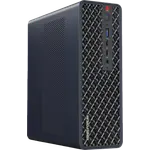
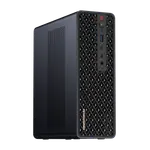
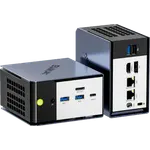
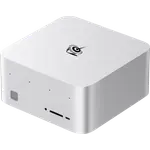
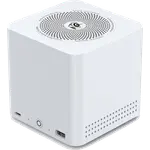
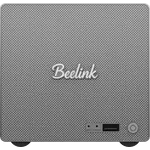
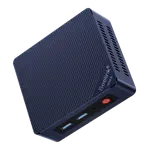
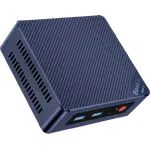
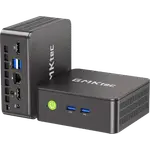
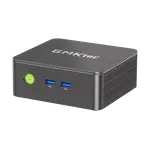
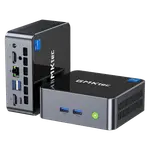
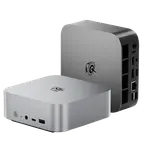
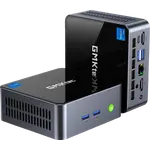
The Beelink SEi14 runs Intel's 16-core Core Ultra 9 185H with Arc graphics, a current-generation laptop flagship. The GMKtec NucBox M2 Pro S uses a four-core 11th Gen Core i7-1185G7 with Iris Xe graphics, which is fine for office work but far behind on heavy multitasking, virtualization and encoding.
The Beelink SEi14 ships with 32GB of DDR5-5600 and accepts 96GB; the GMKtec NucBox M2 Pro S has 16GB of slower DDR4-3200 and tops out at 64GB. The newer memory type and double the shipped capacity matter for virtual machines and large creative projects.
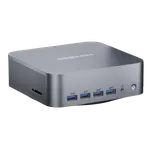
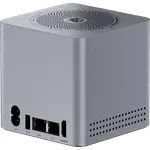
The Beelink SEi14 has a Thunderbolt 4 port at 40Gbps for docks, external storage and displays. The GMKtec NucBox M2 Pro S has no USB4 or Thunderbolt, and its single Type-C port runs at 5Gbps, so a high-bandwidth dock is out of reach.
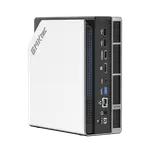
The GMKtec NucBox M2 Pro S keeps a second M.2 bay free and can hold two drives at once, while the Beelink SEi14 works from a single M.2 2280 drive. If you want a boot SSD plus a separate data SSD inside the box, that points to the GMKtec.
The Beelink SEi14's 16-core Core Ultra 9 and 32GB of DDR5-5600 give far more headroom for Proxmox, containers and media serving.
Only the Beelink SEi14 offers Thunderbolt 4 at 40Gbps for docks and external drives.
The GMKtec NucBox M2 Pro S adds an M.2 2242 SATA bay next to its M.2 2280 slot, and the Beelink has only the one drive bay.
The GMKtec NucBox M2 Pro S covers that at a lower tier, with triple 4K output and dual memory slots.
Owners of the Beelink SEi14 (32GB + 1TB) keep coming back to how much it handles for its size. Many run it as an always-on home server with Plex and several virtual machines under Proxmox, others use it as a work-from-home desktop driving two screens over HDMI and DisplayPort, and some treat it as a digital audio workstation because 32GB of RAM suits RAM-hungry creative software. Setup is described as quick. The main complaints are fan noise under sustained load, an occasional unit that felt slower than its specification suggested, and one report of Bluetooth flakiness after long use. Buyers also note there is no VESA mount, SD slot, fingerprint sensor or Kensington lock included.
The Beelink SEi14 (32GB + 1TB) is the stronger mini PC, with a Core Ultra 9, 32GB of DDR5-5600 and Thunderbolt 4. The GMKtec NucBox M2 Pro S (16GB + 1TB) is the simpler, lower-tier option for everyday office work.
The platform generation. The Beelink SEi14 uses a 16-core Core Ultra 9 185H with DDR5-5600 and Thunderbolt 4, while the GMKtec NucBox M2 Pro S uses a four-core 11th Gen Core i7-1185G7 with DDR4-3200 and no USB4 or Thunderbolt.
Both drive three displays. The Beelink SEi14 uses HDMI 2.1, DisplayPort 1.4 and Thunderbolt 4; the GMKtec NucBox M2 Pro S uses two HDMI 2.0 ports plus its Type-C output.
Yes on both. The Beelink SEi14 takes 96GB of DDR5 across its SODIMM slots, and the GMKtec NucBox M2 Pro S takes 64GB of DDR4-3200.
The Beelink SEi14 has more power to cool, and some owners report its fan gets loud under sustained load. The GMKtec NucBox M2 Pro S is a lower-power machine, which usually means quieter everyday operation.
Spotted something wrong on this page? Tell us and we will fix it.
 Our store on AmazonShop our ideas on AmazonLists of the smart home setups we would put together ourselves, ready to add to your Amazon cart.Shop on Amazon
You are looking at two of them. The full table lines up all Mini PCs in the catalog with the same specs, so you can filter by what you need and sort by price or rating.