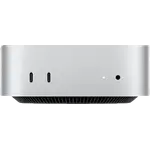
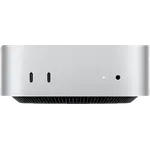
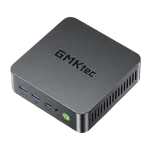
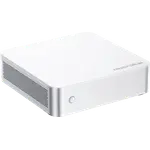
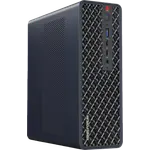
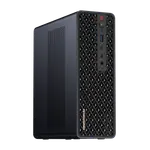
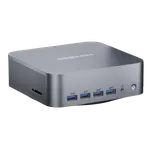
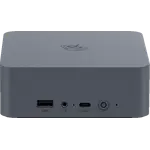
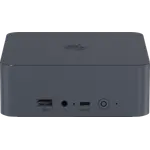
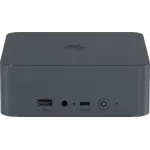
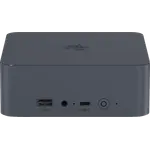
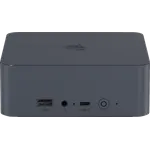
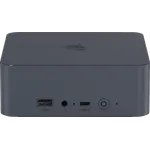
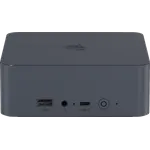
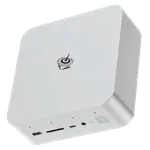
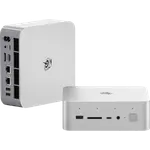
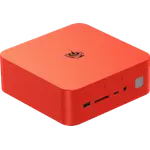
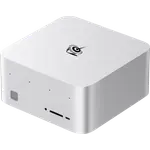
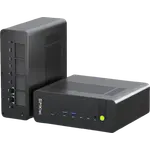
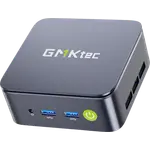
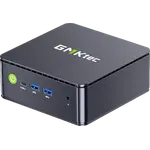
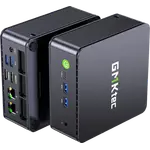
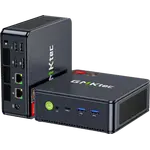
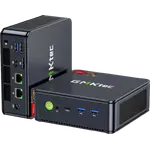
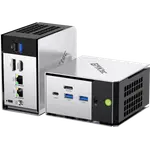
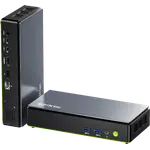
Winner
Price unavailable right now

Full Mini PCs comparison in 2026
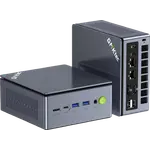
 Join Prime to buy it at $559.99
New releases and the smart home news worth knowing, in your inbox.
No spam. Unsubscribe in one click.
| Feature | Beelink SEi14 (32GB + 1TB) | GMKtec NucBox M7 Ultra (32GB + 512GB) | Winner |
|---|---|---|---|
| Rating | 5.0 | 4.4 | Beelink SEi14 (32GB + 1TB) |
| Memory Speed | 5600 MT/s | 4800 MT/s | Beelink SEi14 (32GB + 1TB) |
| Storage Capacity | 1 TB | 512 GB | Beelink SEi14 (32GB + 1TB) |
| CPU Model | Intel Core Ultra 9 185H | AMD Ryzen 7 PRO 6850U | Different strengths |
| GPU Model | Intel Arc Graphics | AMD Radeon 680M (12 cores, 2200 MHz) | Different strengths |
| Warranty | 1 year | 1 year | Tie |
| Memory Configuration | Dual-channel | Dual-channel | Tie |
| Memory Type | DDR5 | DDR5 | Tie |
| Memory Capacity | 32 GB | 32 GB | Tie |
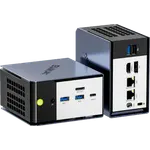
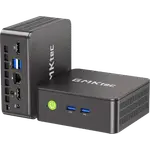
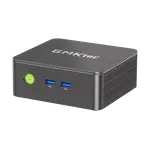
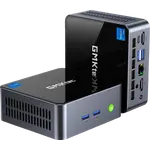
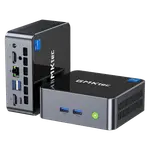
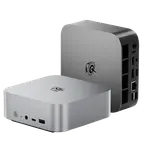
The SEi14 has genuine Thunderbolt 4, certified for docks and external GPUs built to that standard. The M7 Ultra has two USB4 ports plus a front OCuLink port, a different route to an external GPU that is not Thunderbolt certified.
The SEi14 ships a full 1TB Gen 4 drive on a single M.2 slot. The M7 Ultra ships 512GB across two Gen 4 M.2 bays, with a second bay free to add a drive without removing the first.
Both ship 32GB of dual-channel DDR5, but the SEi14 runs it at 5600 MT/s against the M7 Ultra's 4800 MT/s, a modest gap at the same capacity.
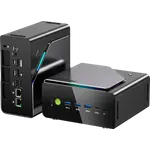
The M7 Ultra carries two 2.5G Ethernet ports, suited to a router or dual-NIC home server. The SEi14 has a single 2.5G port.
The M7 Ultra includes a Kensington lock slot and a VESA mount. The SEi14 has neither, so wall or monitor mounting means buying a bracket separately.
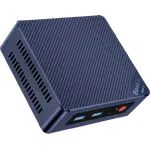
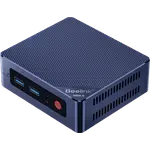
The Beelink SEi14 (32GB + 1TB) has genuine Thunderbolt 4; the M7 Ultra's ports are USB4 only.
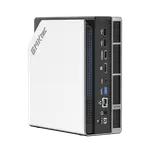
Its front OCuLink port gives a full PCIe Gen4 x4 link built for exactly that.
Two 2.5G Ethernet ports against the SEi14's single port.
It includes a VESA mount; the SEi14 does not.
Its 1TB drive is double the M7 Ultra's 512GB, even with a free bay on the M7 Ultra to catch up later.
Owners of both machines run them as home-lab boxes and say so unprompted, praising how much virtualization and everyday multitasking either one absorbs without slowing down. Beelink SEi14 (32GB + 1TB) owners specifically call out Thunderbolt 4 and enough RAM to run a DAW or several VMs under Proxmox at once, though the fan gets noticeably loud under sustained load and the box ships with no VESA mount at all. GMKtec NucBox M7 Ultra (32GB + 512GB) owners lean instead on the front OCuLink port as an upgrade path to a real GPU later, and on how quietly the Hyper Ice Chamber cooling runs during the same kind of workload, while a few hit a Windows activation snag on first boot or found the integrated graphics short of what PC-tethered VR needs.
The Beelink SEi14 (32GB + 1TB) edges ahead on memory speed and storage capacity. The GMKtec NucBox M7 Ultra (32GB + 512GB) counters with dual-NIC networking, an OCuLink expansion port, a Kensington lock and a VESA mount.
The high-speed port. The Beelink SEi14 (32GB + 1TB) has genuine Thunderbolt 4, while the GMKtec NucBox M7 Ultra (32GB + 512GB) uses USB4 plus a front OCuLink port instead.
Yes. The Beelink SEi14 (32GB + 1TB) runs 32GB of DDR5-5600 expandable to 96GB. The GMKtec NucBox M7 Ultra (32GB + 512GB) runs 32GB of DDR5-4800 expandable to 64GB.
The GMKtec NucBox M7 Ultra (32GB + 512GB), with two 2.5G Ethernet ports against the Beelink SEi14 (32GB + 1TB)'s single port.
Buyers who want a Core Ultra 9 mini PC with faster DDR5, a full 1TB drive and genuine Thunderbolt 4 for certified accessories.
Buyers who want dual 2.5G Ethernet, a front OCuLink port for a future GPU, a Kensington lock and a VESA mount.
Spotted something wrong on this page? Tell us and we will fix it.
 Our store on AmazonShop our ideas on AmazonLists of the smart home setups we would put together ourselves, ready to add to your Amazon cart.Shop on Amazon
You are looking at two of them. The full table lines up all Mini PCs in the catalog with the same specs, so you can filter by what you need and sort by price or rating.