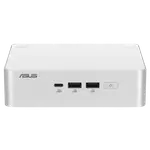
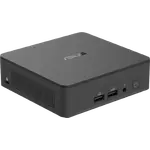
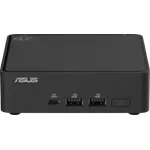
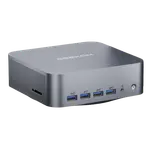
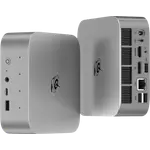
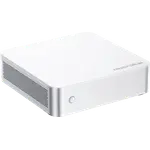
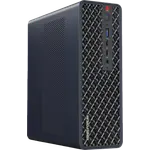
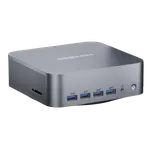
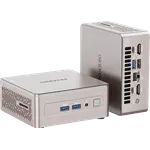
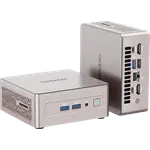
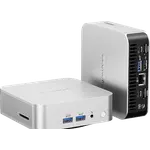
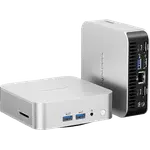
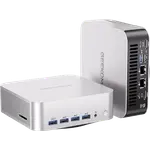
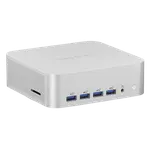
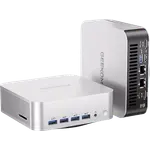
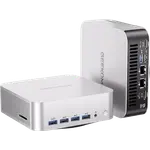
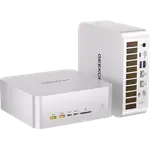
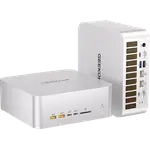
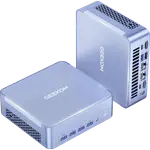
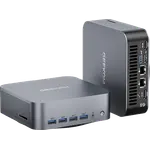
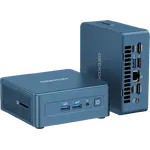
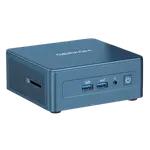
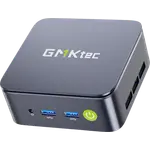
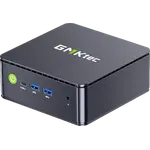
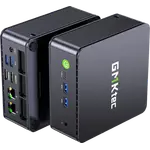
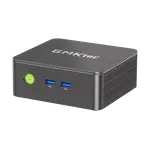
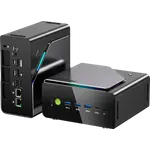
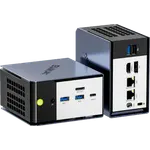
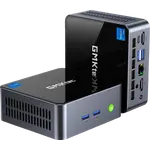
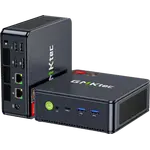
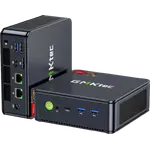
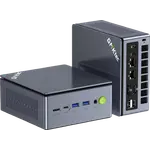
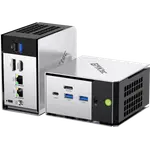
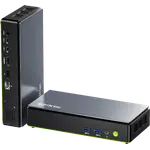
Winner

Full Mini PCs comparison in 2026
New releases and the smart home news worth knowing, in your inbox.
No spam. Unsubscribe in one click.
Where these two are furthest apart, and by how much.
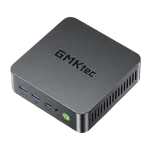
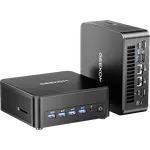
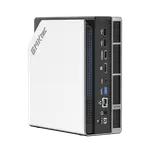
| Feature | Geekom A8 (Ryzen 7 16GB + 1TB) | GMKtec NucBox G3 Pro (16GB + 512GB) | Winner |
|---|---|---|---|
| Price | $739.00 | $294.49 | GMKtec NucBox G3 Pro (16GB + 512GB) |
| Rating | 4.3 | 4.4 | GMKtec NucBox G3 Pro (16GB + 512GB) |
| Warranty | 3 years | 1 year | Geekom A8 (Ryzen 7 16GB + 1TB) |
| Memory Type | DDR5 | DDR4 | Geekom A8 (Ryzen 7 16GB + 1TB) |
| Memory Speed | 5600 MT/s | 2666 MHz | Geekom A8 (Ryzen 7 16GB + 1TB) |
| Storage Capacity | 1 TB | 512 GB | Geekom A8 (Ryzen 7 16GB + 1TB) |
| CPU Model | AMD Ryzen 7 8745HS | Intel Core i3-10110U | Different strengths |
| GPU Model | AMD Radeon 780M | Intel UHD Graphics (up to 1000 MHz) | Different strengths |
| Memory Capacity | 16 GB | 16 GB | Tie |
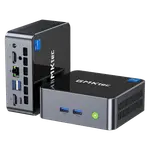
The Geekom A8 (Ryzen 7 16GB + 1TB) runs DDR5 at 5600 MT/s. The GMKtec NucBox G3 Pro (16GB + 512GB) runs DDR4 at 2666 MHz. Both ship 16GB and both cap at 64GB, but the platform under them is a generation apart.
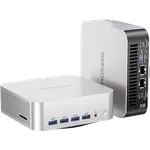
The Geekom A8 (Ryzen 7 16GB + 1TB) has one M.2 2280 PCIe 4.0 slot holding a 1TB drive, faster and larger today, but replacing that drive is the only way to add storage. The GMKtec NucBox G3 Pro (16GB + 512GB) has 512GB on PCIe 3.0 plus a second free M.2 2242 SATA bay.
The Geekom A8 (Ryzen 7 16GB + 1TB) has a USB4 port and two HDMI 2.0 outputs, driving up to four displays including 8K. The GMKtec NucBox G3 Pro (16GB + 512GB) has two HDMI 1.4 ports and no USB4, DisplayPort or Thunderbolt, so dual 4K runs at only 24Hz.
The Geekom A8 (Ryzen 7 16GB + 1TB) carries a three-year warranty against one year on the GMKtec NucBox G3 Pro (16GB + 512GB).
The GMKtec NucBox G3 Pro (16GB + 512GB) is the lower priced of the two and carries the higher owner rating.
The Geekom A8 (Ryzen 7 16GB + 1TB) runs current-generation memory and storage the GMKtec does not match.
The GMKtec NucBox G3 Pro (16GB + 512GB) costs less and holds the higher owner rating.
The GMKtec NucBox G3 Pro (16GB + 512GB) has a spare M.2 2242 SATA slot beside its main drive; the Geekom A8 has only one M.2 slot in total.
The Geekom A8 (Ryzen 7 16GB + 1TB) drives four displays including 8K, where the GMKtec's HDMI 1.4 ports cap dual 4K at 24Hz.
The Geekom A8 (Ryzen 7 16GB + 1TB) is covered for three years against one year on the GMKtec NucBox G3 Pro (16GB + 512GB).
Owners of the GMKtec NucBox G3 Pro (16GB + 512GB) single out how quickly it goes from unboxing to actual work, with Windows 11 Pro ready in minutes and several programs running at once without complaint, and they are pleasantly surprised the RAM ships as two modules in dual-channel with a free M.2 slot behind a tool-free lid rather than the single stick some budget boxes hide. Four USB-A ports and dual HDMI also draw praise for a desk with more than one screen. The complaints center on the fan, which owners rate from moderate to loud once the box is actually working even though the spec sheet promises under 38dB, plus thin documentation, a power draw higher at the wall than expected, and a handful of early failures including a dead display output and a faulty Bluetooth radio.
The Geekom A8 (Ryzen 7 16GB + 1TB), for its DDR5 memory, faster 1TB PCIe 4.0 SSD, USB4 port and three-year warranty. The GMKtec NucBox G3 Pro (16GB + 512GB) is the more affordable and better rated of the two.
The platform generation. The Geekom A8 (Ryzen 7 16GB + 1TB) runs DDR5 with PCIe 4.0 storage; the GMKtec NucBox G3 Pro (16GB + 512GB) runs DDR4-2666 with PCIe 3.0 storage. Both run Windows 11 Pro and both can reach 64GB of memory.
Only the GMKtec NucBox G3 Pro (16GB + 512GB), which has a free M.2 2242 SATA bay beside its 512GB drive. The Geekom A8 (Ryzen 7 16GB + 1TB) has a single M.2 slot, so expansion means swapping the drive.
No. It has no USB4, DisplayPort or Thunderbolt at all, and its two HDMI 1.4 ports limit dual 4K to 24Hz. The Geekom A8 (Ryzen 7 16GB + 1TB) has a USB4 port that also carries DisplayPort.
Someone who wants DDR5, a fast 1TB PCIe 4.0 SSD, USB4 and a three-year warranty, and who can live with a single M.2 slot.
Someone who wants the more affordable, better rated Windows mini PC with a spare storage bay, and who does not need USB4, DDR5 or a high-refresh multi-monitor desktop.
Spotted something wrong on this page? Tell us and we will fix it.
 Our store on AmazonShop our ideas on AmazonLists of the smart home setups we would put together ourselves, ready to add to your Amazon cart.Shop on Amazon
You are looking at two of them. The full table lines up all Mini PCs in the catalog with the same specs, so you can filter by what you need and sort by price or rating.