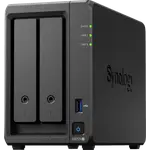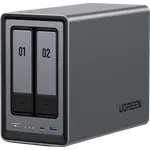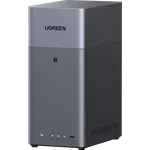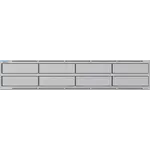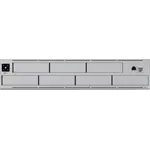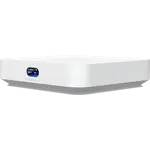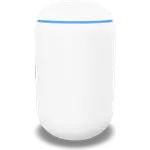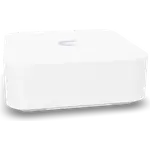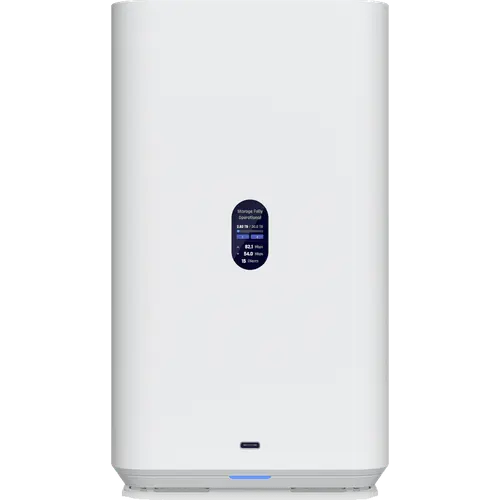



Ubiquiti UNAS 2 Review: A Two-Bay NAS Powered Over Ethernet
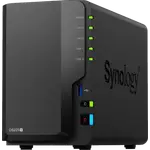
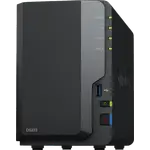
The Ubiquiti UNAS 2 is the entry point to UniFi storage: two 3.5-inch bays, a quad-core ARM Cortex-A55 with a fixed 4 GB of memory, one 2.5GbE port that carries both data and PoE power, and a 5 Gbps USB-C port. It runs UniFi Drive rather than a general-purpose NAS operating system, so there are no containers, virtual machines or media-server apps, and no RAID 5 or RAID 6. It suits people who already run UniFi and want simple file sharing with a single-cable install.
- Existing UniFi networks
- Single-cable installs
- Simple file sharing
Pros
- Powered over Ethernet, single-cable install
- Managed inside the UniFi console with remote access through UniFi Cloud
- 2.5GbE networking
- Front USB-C port at 5 Gbps
- Snapshots, rsync and cloud backup built in
- UPS graceful shutdown support
Cons
- No Docker, virtual machines or app store
- No Plex, photo recognition or iSCSI
- Drives are not hot-swappable and share one tray
- Memory fixed at 4 GB
- Only two bays, so no RAID 5 or RAID 6
- Only makes sense inside UniFi
Who is the UNAS 2 for?
People already running UniFi who want storage that appears in the same console as their network gear, with remote access through UniFi Cloud and no separate app to manage. Because power arrives over the single 2.5GbE port, it can sit wherever a PoE switch port reaches. It is a file-sharing box for documents, backups and archives, not a server for hosting services.
What stands out on paper
Two 3.5-inch bays share one tray, backed by a quad-core ARM Cortex-A55 with 4 GB of LPDDR4 memory. File sharing runs over SMB and NFS, with rsync and snapshots, and cloud sync and backup are built in. The front USB-C port runs at 5 Gbps for attaching external storage from the UniFi Drive interface. A UniFi UPS Tower can shut the NAS down gracefully during an outage, and the unit draws about 60 W.
What to know before you buy
UniFi Drive is deliberately narrow: no Docker, no virtual machines, no Plex package, no photo recognition and no iSCSI. The two drives sit in a shared tray that is not hot-swappable, so the NAS must be powered down to replace one, and the memory is fixed at 4 GB with no expansion. There is no 10GbE, no link aggregation and no M.2 slot, and with only two bays there is no RAID 5 or RAID 6. Its noise has been measured at around 31 to 38 dB depending on load.
Is the UNAS 2 worth it?
Inside a UniFi network it is simple and the single-cable install is genuinely useful. Outside one, a conventional NAS with a fuller app catalogue and more bays gives you more to work with, so the case for the UNAS 2 rests on staying in the UniFi console.
Frequently asked questions
Does the UNAS 2 need a UniFi network?
It is designed for one. Management and remote access run through the UniFi console, so outside that ecosystem you lose most of the reason to choose it over a conventional NAS.
Can the UNAS 2 run Plex or Home Assistant?
No. UniFi Drive has no container or virtual machine support and no media-server package, so it stores and shares files but does not host services.
How is the UNAS 2 powered?
Over its single 2.5GbE port, which carries both data and PoE power, so one Ethernet cable is all it needs.
Are the drives hot-swappable?
No. The two 3.5-inch drives sit in a shared tray, and the system must be powered down to replace one.