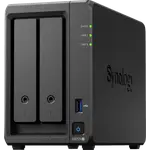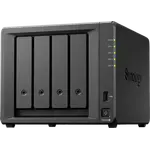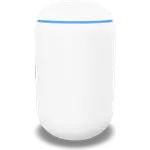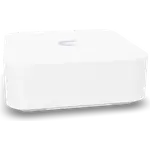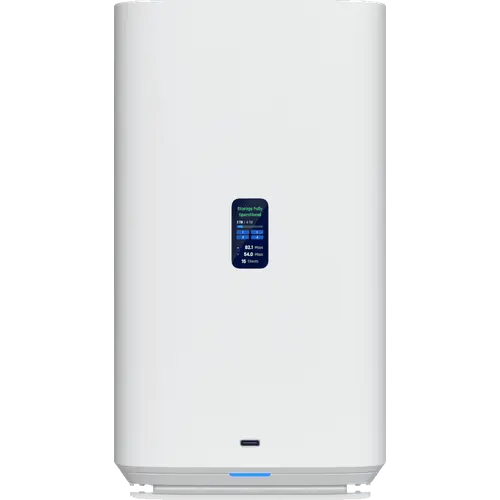

Ubiquiti UNAS 4 Review: A Four-Bay NAS Built for the UniFi Console
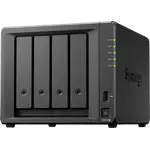
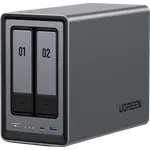
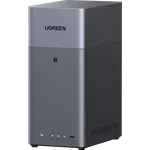
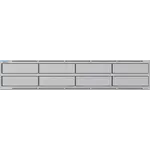
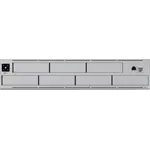
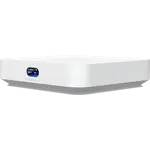
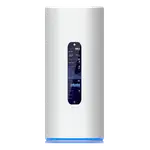
The Ubiquiti UNAS 4 is the four-bay desktop step up in UniFi storage: four bays, two M.2 NVMe slots and a quad-core ARM Cortex-A55 with a fixed 4 GB of memory, sharing files over SMB and NFS with RAID 5 and RAID 6, snapshots and cloud backup. It runs UniFi Drive rather than a general-purpose NAS operating system, so it stores and shares files inside the UniFi console but does not run containers, virtual machines or third-party apps. It suits UniFi households and small offices that value unified management over a broad software catalogue.
- Existing UniFi networks
- Simple file sharing
- Small offices needing more than a mirror
Pros
- Four bays with RAID 5 and RAID 6
- Two M.2 NVMe slots
- Managed inside the UniFi console with remote access through UniFi Cloud
- SMB and NFS sharing with rsync, snapshots and cloud backup
- Front USB-C port at 5 Gbps
Cons
- No Docker, virtual machines or app store
- No Plex, photo recognition or iSCSI
- Memory is soldered at 4 GB
- Only one 2.5GbE port despite four bays
- No hybrid RAID for mixing drive sizes
- Only makes sense inside UniFi
Who is the UNAS 4 for?
UniFi households and small offices that need more than a two-bay mirror and want storage managed in the same console as their network gear, with remote access through UniFi Cloud. It is a file server for documents, backups and archives rather than a platform for hosting services.
What stands out on paper
Four drive bays give room for RAID 5 or RAID 6, and two M.2 NVMe slots add flash. A quad-core ARM Cortex-A55 with 4 GB of soldered memory handles SMB and NFS file sharing with rsync, snapshots and cloud sync and backup. Networking is a single 2.5GbE port, and the front USB-C port runs at 5 Gbps. Power draw peaks at 90 W, of which 80 W is the drive power budget.
What to know before you buy
Like the rest of the UNAS line it has no Docker, no virtual machines, no Plex package, no photo recognition and no iSCSI, and the soldered memory cannot be expanded. A single 2.5GbE port is the only network connection despite four bays, there is no 10GbE, and Ubiquiti does not list link aggregation or hot-swap support for the drives. Several specifications, including noise, are not published.
Is the UNAS 4 worth it?
For a site already built on UniFi, four bays with RAID 5 or RAID 6 and simple management make it the more practical desktop UNAS. Judged purely on features for the money against a conventional NAS with a full app catalogue, it offers less, which is the trade the ecosystem asks for.
Frequently asked questions
Which RAID levels does the UNAS 4 support?
RAID 5 and RAID 6 are supported. It does not offer a hybrid RAID for mixing different drive sizes.
Can the UNAS 4 run Plex or Docker?
No. UniFi Drive has no container or virtual machine support and no media-server package, so it stores and shares files but does not host services.
Can you add memory to the UNAS 4?
No. The 4 GB of memory is soldered and not user-expandable.
How fast is the network port on the UNAS 4?
It has one 2.5GbE port. There is no 10GbE or SFP+ port.