



Aeotec Pico Switch Review: A Compact Zigbee Relay for Hiding Behind a Dumb Switch
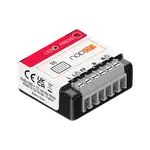
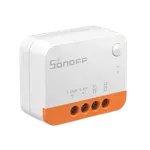
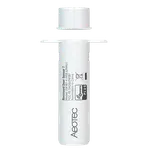
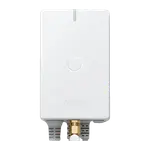
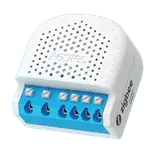
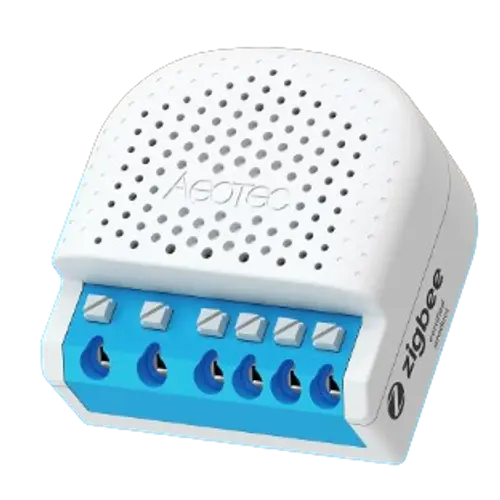
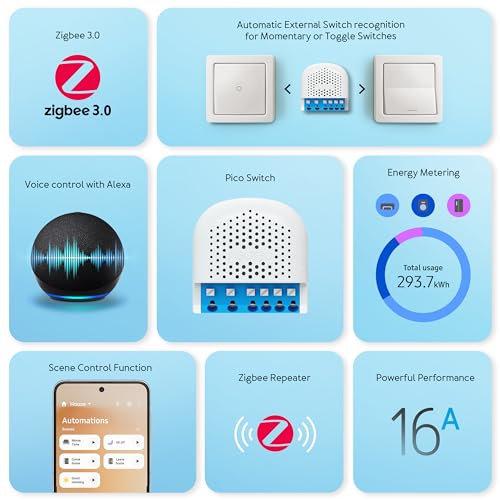
The Aeotec Pico Switch is a compact, single-channel Zigbee relay meant to sit behind an existing wall switch or inside a junction box and turn a dumb circuit smart, with energy monitoring, power-off memory and Zigbee router support baked in. Buyers who use SmartThings or Home Assistant generally get it running quickly and like being able to log current draw on a load, but several mention the push-in wire connectors are less convenient than screw terminals and installation rewards patience with solid-core wire. It is a solid pick for a hidden, hardwired retrofit if you already run a Zigbee hub, less so if you want plug-and-play out of the box without an electrician's help.
- Home Assistant and SmartThings users
- Retrofitting a single dumb switch or fixture
- DIY electricians comfortable with in-wall wiring
- Zigbee mesh networks needing another router node
One relay per circuit you automate.
Buy on Amazon USAPros
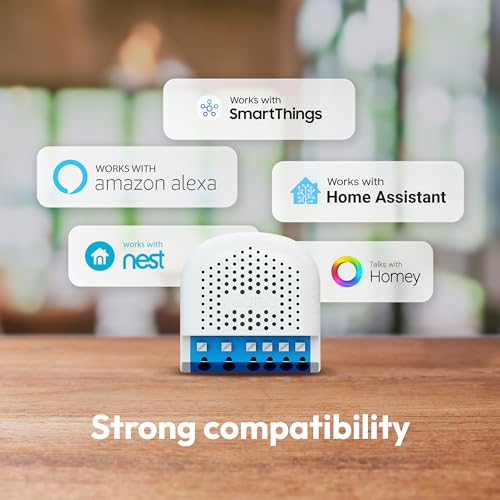
- Reliable pairing with Home Assistant and SmartThings
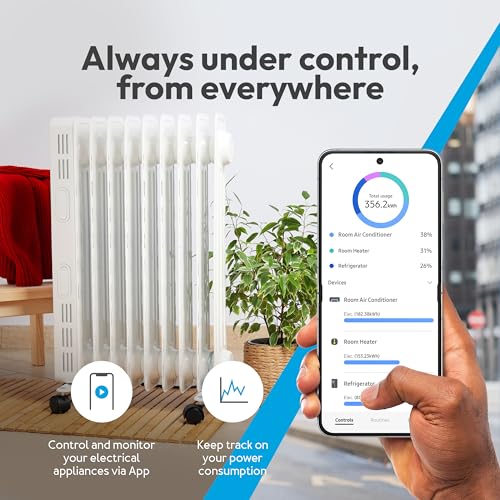
- Built-in energy monitoring for tracking current draw
- Physical on/off button for local control
- Power-off memory keeps behavior consistent after outages
- Doubles as a Zigbee router to strengthen the mesh
Cons
- Push-in wire connectors are fiddly compared to screw terminals
- Single relay channel, only controls one circuit
- No Apple HomeKit or IFTTT support
- Requires a separate Zigbee hub to operate
- Installation best done with solid-core wire and care
Who is the Aeotec Pico Switch for?
The Pico Switch is built for smart home owners who want to convert a single hardwired circuit, like a light fixture, floodlight, or small appliance, into a Zigbee-controlled and monitored device without replacing the visible wall switch. It requires a Zigbee hub, so it fits naturally into existing SmartThings, Home Assistant or Zigbee2MQTT setups, and reviewers describe using it to trigger cameras from current draw, run a bathroom towel radiator, and add scene control to a fixture. Because it also acts as a Zigbee router, it is a useful pick for anyone trying to strengthen a mesh network in a hard-to-reach area of the house while adding a functional switch at the same time.
What buyers love
The most common praise is straightforward pairing with SmartThings and Home Assistant, matching the item's listed integrations, and reviewers highlight the built-in energy monitoring, using it to track current draw and trigger automations off power thresholds. The power-off memory feature and physical on/off button are appreciated for keeping the switch usable even without an app. Several buyers who are experienced with Aeotec's other Z-Wave and Zigbee gear say the setup process felt familiar and that a custom edge driver unlocked extra scene control on SmartThings.
What to know before you buy
The most repeated complaint is about the physical installation: the push-in wire connectors are fiddly compared to screw terminals, and one buyer had wires pop out while closing the junction box. Reviewers recommend using solid-core copper wire and a thin tool to seat the small clamps correctly. A few buyers were also surprised the two outputs on the related Duo model switch together rather than independently, so it is worth confirming channel behavior before wiring multiple fixtures, and this single-channel Pico Switch only controls one circuit. There is no Apple HomeKit or native IFTTT support, and like most Zigbee accessories it depends entirely on having a hub already in place.
Is the Aeotec Pico Switch worth it?
For Zigbee households already invested in Home Assistant or SmartThings, the Pico Switch is a practical, reasonably priced way to add a monitored, hub-controlled relay behind an existing switch, and the mixed-but-mostly-positive buyer feedback reflects a device that does its core job well once correctly wired. Its value comes down to whether the push-in terminal installation and single-channel limit fit your project; for a straightforward single-circuit retrofit with energy monitoring, it holds up well.
Frequently asked questions
Does the Aeotec Pico Switch need a Zigbee hub?
Yes. It has no Wi-Fi, Bluetooth, Z-Wave or Thread radio of its own and requires a Zigbee hub or coordinator to pair and operate.
Does it support energy monitoring?
Yes, the Pico Switch includes real-time energy monitoring so you can track power consumption on the connected circuit.
Does it work with Apple HomeKit?
No. It is a Zigbee device with no Matter path either, since SmartThings acts as a Matter controller rather than republishing its Zigbee devices, so Apple Home has no way to see it. It does support Google Home, Samsung SmartThings and Home Assistant through the hub.
How many devices can it control?
The Pico Switch has a single relay channel, so it controls one circuit. Aeotec also sells a Pico Duo Switch with two channels for dual-load setups.
Is it hard to install?
It uses push-in wire connectors rather than screw terminals, which some buyers found fiddly. Reviewers recommend solid-core copper wire and using a thin tool to seat the clamps securely.
Can it act as a Zigbee router for other devices?
Yes, the Pico Switch functions as a Zigbee router, helping relay signals and extend the range of your Zigbee mesh network.