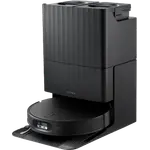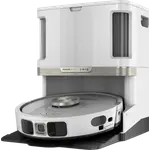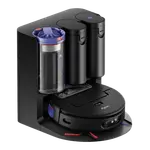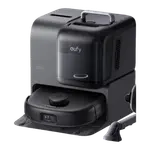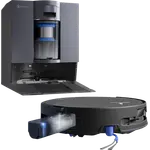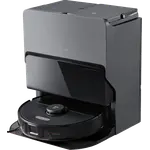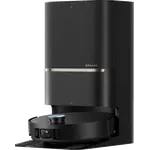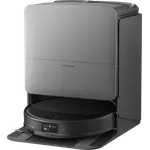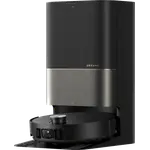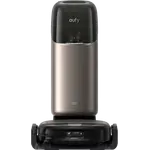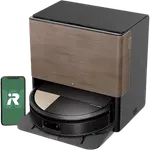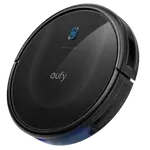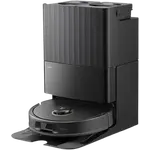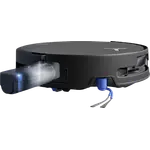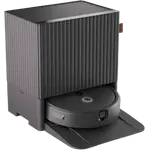




Dreame L60 Pro Ultra Review: Flagship Suction and a Self-Cleaning Dock, With a Navigation Quirk Underneath Furniture
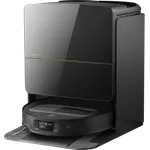
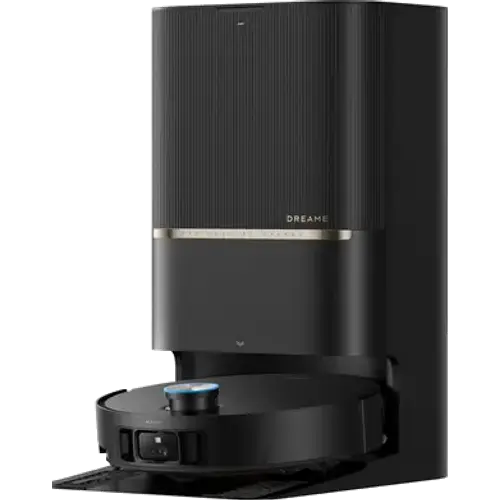
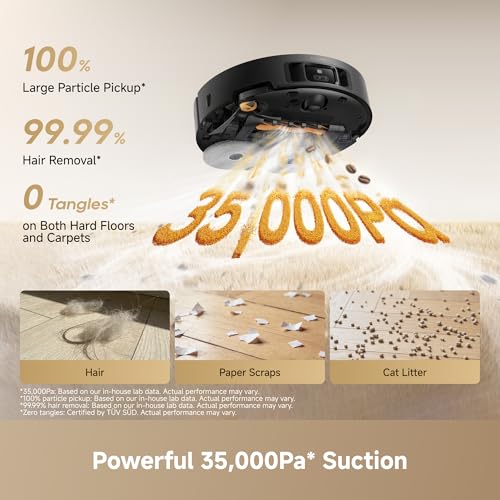
The Dreame L60 Pro Ultra pairs serious 35,000Pa suction with a fully self-cleaning, self-emptying dock and a chassis built to cross taller thresholds and mixed flooring without getting stuck. Owners consistently praise its pickup on carpet and pet hair, its hands-off maintenance, and how quietly it runs, while the clearest recurring caveat is that its liftable LiDAR turret can spin in place or get briefly confused when it lowers to glide under furniture. It sits at a premium price, but buyers who tried it overwhelmingly call it worth the investment for the convenience it buys back.
- Multi-pet households
- Busy households wanting hands-off cleaning
- Homes with higher thresholds and mixed flooring
- Buyers willing to learn a feature-dense app
Pros
- Very strong suction that consistently clears pet hair and debris from carpet and hard floors
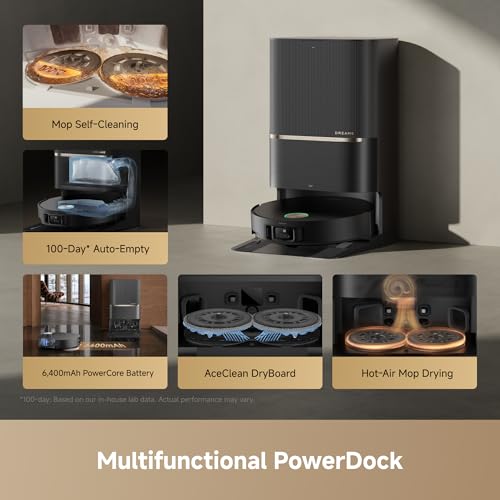
- Fully self-cleaning dock: auto-empty plus hot-water mop washing and drying
- Crosses thresholds and moves between rooms smoothly once the LiDAR turret is raised
- Quiet operation, including during mopping
- Flexible app scheduling once the settings are configured
Cons
- Can lose its bearings and spin in place when the retractable LiDAR lowers for under-furniture cleaning
- App settings are dense, with global options that can override room-level choices unexpectedly
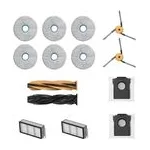
- Some reports of mop pads detaching and needing manual reattachment
- Matter support is not active yet, pending a future firmware update
- Premium price tier
Who is the Dreame L60 Pro Ultra for?
This model targets buyers who want one robot to handle vacuuming and mopping across a full home with as little manual intervention as possible. Owners repeatedly mention multi-pet households, several with two or more dogs and cats, praising how thoroughly it clears shedding fur from both carpet and hard flooring. Busy households and people upgrading from an older, less capable robot single it out for finally handling thresholds, corners and under-furniture areas that previous vacuums struggled with or avoided entirely.
What buyers love
The most consistent praise centers on suction strength: owners describe it pulling in dust, crumbs and pet hair from carpet and hard floors alike, matching its 35,000Pa suction rating and carpet-cleaning support. The self-cleaning dock draws equally strong reaction, automatically emptying the bin and washing and drying the mop pads with hot water, which several owners call a genuine time saver they did not expect to appreciate as much as they do. Reviewers also highlight how smoothly it crosses thresholds and moves between rooms once its LiDAR turret is raised, building an accurate whole-home map in minutes, and several note it runs noticeably quieter than a previous robot vacuum, even during mopping. The app's scheduling makes it easy to set recurring cleaning routines and hand off daily upkeep entirely.
What to know before you buy
The clearest recurring caveat concerns the VersaLift liftable LiDAR: to glide under low furniture the turret retracts, and multiple owners report the robot briefly loses its bearings in that low-profile mode, spinning in place before recovering or ending a cleaning cycle early. The same owners describe imperfect obstacle avoidance close to small objects on the floor. The companion app also draws mixed feedback: it offers deep control over suction, passes and room order, but several owners find global settings buried in submenus that quietly override room-level choices, creating a real learning curve. A smaller number of reviewers reported mop pads detaching mid-cycle and needing manual reattachment. On the connectivity side, this model works with Google Home and Alexa and only supports 2.4GHz WiFi, with Matter support arriving through a promised firmware update rather than being active out of the box.
Is the Dreame L60 Pro Ultra worth it?
Backed by a 3-year warranty and roughly three and a half hours of runtime with auto-recharge, the L60 Pro Ultra positions itself as Dreame's most capable all-in-one cleaning system rather than the cheapest option in the category. Sentiment among owners who left reviews skews strongly positive, with buyers repeatedly calling it worth the investment despite the premium price, especially in multi-pet homes and households prioritizing hands-off daily cleaning over babysitting a robot. Buyers who value best-in-class low-profile navigation above all else should weigh the reported LiDAR-retraction quirk, but for most households the suction, self-cleaning dock and threshold performance outweigh that trade-off.
Frequently asked questions
Does the Dreame L60 Pro Ultra work with Alexa and Google Home?
Yes, it supports both Google Home and Amazon Alexa. Matter support is planned but not active at launch, arriving through a future firmware update, and Apple HomeKit compatibility has not been confirmed.
Does the mop clean itself?
Yes. The dock automatically washes the mop pads with hot water, dries them, and can dispense cleaning solution automatically, so pads do not need to be washed by hand between runs.
Why does it sometimes spin in place or seem lost?
Several owners report this happening when the robot's liftable LiDAR turret retracts to clean under low furniture. Navigation is less precise in that low-profile mode, and the robot can briefly lose its position before recovering or heading back to the dock.
Is the Dreame L60 Pro Ultra good for homes with pets?
Yes, this is one of its strongest use cases in owner feedback, with multiple reviewers in multi-dog and multi-cat households praising how thoroughly it clears shedding fur from carpet and hard floors.
Does it support 5GHz WiFi?
No. The L60 Pro Ultra connects over 2.4GHz WiFi only.
Is the app difficult to use?
The app offers extensive control over suction, passes, scheduling and room order, but several owners note that global settings can be buried in submenus and unexpectedly override specific room or zone choices, so it takes some time to learn.