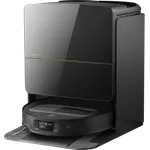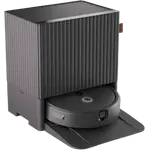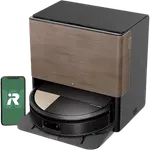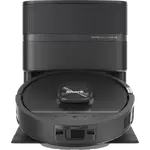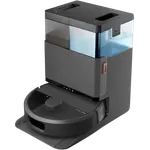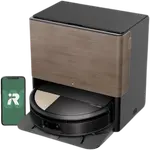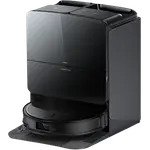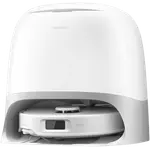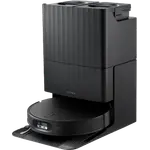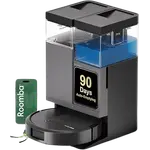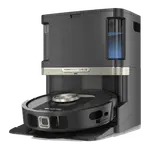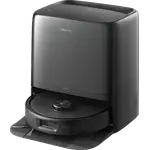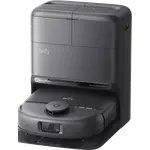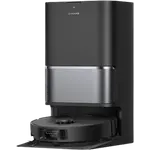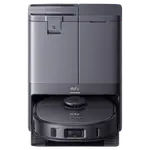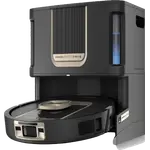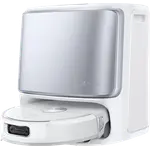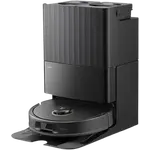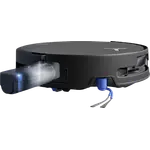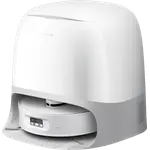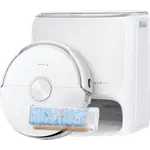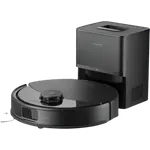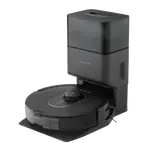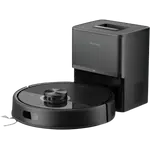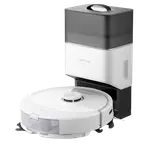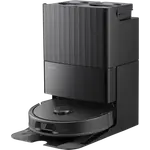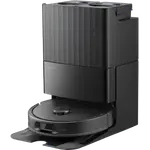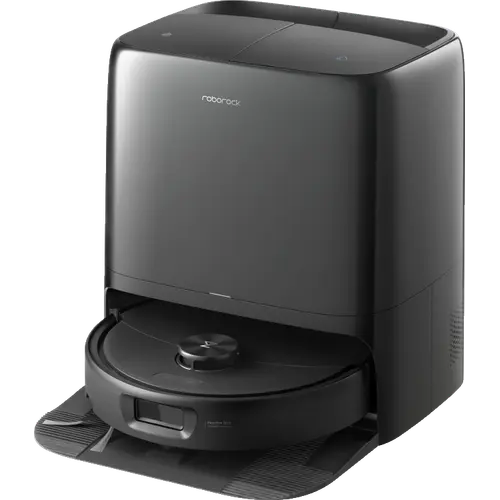


Roborock Qrevo 2 Pro Review: The Robot That Drops Its Mops Before It Touches Your Carpet
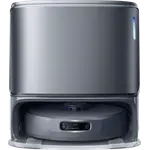
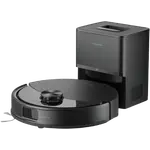
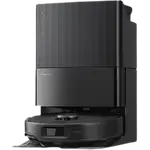
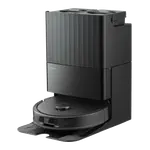
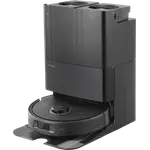
The Roborock Qrevo 2 Pro is a mid-to-upper tier robot vacuum and mop whose headline trick is Auto Mop Removal: it physically parks its mops in the dock before heading onto carpet, instead of just lifting them a few millimetres. Owners consistently single out two things, how fast and accurately its LiDAR maps a home, often in minutes rather than hours, and how much the multifunctional dock takes off their hands, emptying dust into a sealed bag, refilling the water tank, washing the pads with hot water and warm-air drying them. Pet owners with heavy shedders repeatedly report it handling hair that pricier flagships from other brands failed on. The reservations are real but narrower: the app is described as the weaker half of the product, LiDAR can map through glass doors and need manual map edits, hair can occasionally survive the self-empty cycle, and at least one buyer received a unit with a loose screw and found the support process frustrating.
- Homes with heavy-shedding pets
- Mixed carpet and hard-floor layouts
- Buyers who want a hands-off self-cleaning dock
- Anyone upgrading from an older robot vacuum
- Value seekers who do not need flagship extras
Pros
- Exceptionally fast and accurate LiDAR mapping, often minutes rather than hours
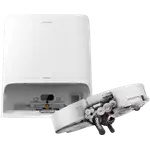
- Auto Mop Removal parks the mops in the dock before the robot enters carpet
- Strong 20,000Pa suction that handles heavy pet-hair loads
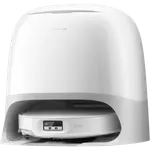
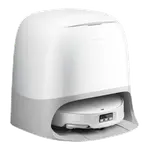
- Dock auto-empties into a sealed bag, refills water, hot-washes and warm-air dries the mops
- Dual Zero-Tangle brush system to limit hair wrap
- Quick, painless app setup and room labelling
- Quiet in operation at 54dB
- Strong mopping on tile and wood, including dried coffee marks
- Works with Alexa, Google Home, Matter and Home Assistant
Cons
- App software is the weaker half of the package
- LiDAR can map through glass doors, so the first map often needs manual edits
- Hair can occasionally survive the dock's self-empty cycle
- Obstacle handling copes with most but not all everyday clutter
- One buyer reported a loose screw on arrival and a slow replacement process
- 2.4GHz Wi-Fi only
- Apple Home only through Matter, which limits the Home app to start, stop, mode and dock
Who is the Roborock Qrevo 2 Pro for?
This is a robot aimed at homes where carpet and hard floor are mixed together and where mopping normally becomes a problem the moment the robot wanders onto a rug. Owners describe multi-level houses with hardwood, tile and a few rugs, families with children and multiple pets, and specifically people fighting a constant losing battle with pet hair. Several reviewers came to it from other robot vacuums, including older Roborock models and competing flagships, and bought it because they wanted vacuuming and mopping handled in one pass without babysitting the machine. It also suits buyers who have looked at the top of the range and decided the extra cost of camera-based avoidance and lift systems does not translate into meaningfully cleaner floors.
What buyers love
The mapping is the runaway favourite. Multiple owners call it the fastest they have seen, with one reporting a full house mapped in around twenty minutes against four hours on their previous robot, and another describing near-surgical accuracy on the very first pass. Auto Mop Removal is the second big win: because the mops are left behind in the dock rather than merely raised, owners say they finally trust the robot to enter a carpeted bedroom without dragging damp pads across it. Suction gets consistent praise from people with a Great Pyrenees, a golden retriever and a husky, several of whom had been let down by other premium robots on exactly this problem. The dock is the other standout, emptying into a sealed bag, refilling the onboard water tank, washing the pads with hot water and then blowing warm air over them until dry, which one owner compared to a tiny laundry cycle running in the hallway. Setup is repeatedly described as quick and painless, mopping results on tile and wood are strong enough to lift dried coffee drips, and the machine is quiet in use.
What to know before you buy
The software is the weak half. One detailed review frames the product as excellent hardware paired with slightly annoying app behaviour, and that split shows up elsewhere in smaller ways. LiDAR mapping, for all its speed, can see straight through a sliding glass door and map the garden, so expect to edit the map by hand after the first run. Self-emptying is not always perfect: one owner found a hairball left behind in the robot that needed clearing manually. Obstacle handling is good rather than flawless, with one reviewer noting it manages most items but still struggles with a few. There is also a quality-control caution worth weighing: a buyer received a unit with a loose screw rattling in the charging tray, was unimpressed by its mapping, and was told a replacement would only ship after the original was returned and inspected, with the warranty still running from the original order date. On the practical side, the robot joins 2.4GHz Wi-Fi only, and the included cleaning solution is close to scent-free, which some will prefer and others will miss.
Is the Roborock Qrevo 2 Pro worth it?
Owners who have worked through a stack of robot vacuums, in one case fifteen of them across most major brands, land on this one as the best value of the group, and that is the clearest signal here. You get the parts that change daily life, fast reliable mapping, genuine carpet and mop separation, strong pet-hair pickup and a dock that handles emptying, refilling, washing and drying, without paying for flagship extras that add cost more than cleaning quality. It is not the robot to buy if you need a polished app above all else, or if you cannot tolerate the small chance of a fussy out-of-box experience. For a mixed-floor home with pets, though, it does the hard parts well and asks very little of you afterwards.
Frequently asked questions
Does the Roborock Qrevo 2 Pro really take its mops off for carpet?
Yes. Auto Mop Removal detaches the mop pads and leaves them in the dock before the robot cleans carpet, then reattaches them afterwards. Owners say this is the feature that lets them send it into carpeted rooms without worrying about damp pads, and it also lifts the mopping module by up to 15 mm.
How long does it take to map a house?
Owners consistently report very fast LiDAR mapping, with one describing a full house done in roughly twenty minutes compared with four hours on a previous robot, and another seeing an accurate map produced on the first pass.
Is it good for pet hair?
That is one of its strongest points in owner feedback. Households with a Great Pyrenees, a golden retriever and a husky all report it keeping up, in several cases after other premium robots had failed at the same job. It pairs 20,000Pa suction with a Dual Zero-Tangle brush system. One owner did still find a hairball left in the robot after a self-empty cycle.
Does the dock clean the mops itself?
Yes. The multifunctional dock empties the dustbin, refills the robot's water tank, washes the mop pads with high-temperature water and then dries them with warm air, so the pads do not sit damp between runs.
Does it work with Alexa, Google Home and Home Assistant?
Yes. It supports Amazon Alexa, Google Home and Matter, which also brings it into Apple Home, and Roborock's Qrevo series is covered by the official Home Assistant integration.
How long does the battery last?
Roborock rates it at 253 minutes of runtime, and the robot returns to the dock to recharge on its own before resuming.
Does it connect to 5GHz Wi-Fi?
No. The robot supports 2.4GHz Wi-Fi only, which is worth checking if your router combines both bands under one network name.