
Key takeaways
- Smart LED bulbs are the easiest start: they fit the fixtures you already own and add dimming, color, and schedules without any wiring.
- Light strips, lamps, ceiling lights, and outdoor lights cover what a bulb cannot: accent light behind a TV or under cabinets, portable mood light, a room's main fixture, and fixtures built to live outside.
- A smart bulb behind an ordinary wall switch goes offline when the switch is turned off, so pair bulbs with wireless buttons, or choose smart switches for fixtures with ordinary bulbs.
- Check how each light connects before you buy: Wi-Fi lights need no hub, while Zigbee and Thread lights need a hub or border router and stay off your Wi-Fi network.
Smart lighting covers the light itself and the way you control it. Smart LED bulbs turn the fixtures you already have into smart ones, light strips and lamps add accent and mood lighting, and smart ceiling lights replace the main fixture of a room. Outside, smart outdoor lights take the same control to the yard: spotlights, pathway lights, floodlights, wall lights, and string lights that come on at dusk, react to motion, and stand up to the weather. Smart wall switches and wireless buttons keep the control where people expect it, so the lights work for everyone in the house, not only for the person with the app.
Top rated smart lighting products by category
The best reviewed products in each lighting category, based on real owner ratings and review counts.
LED Bulbs
See all LED Bulbs- LED Bulbs
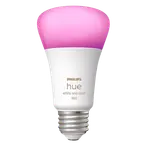 9% OFF

Hue Smart Bulb - White and Color 800
4.7(3.5K)$49.97$54.99 - LED Bulbs
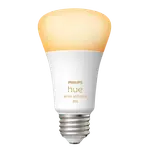
Hue Smart Bulb - White Ambiance 800
4.7(1.8K) - LED Bulbs
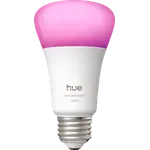
Hue Smart Bulb - White and Color 1100 (2025)
4.7(179)$59.99 - LED Bulbs
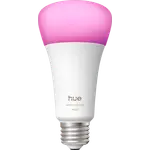
Hue Smart Bulb - White and Color 1600 (2025)
4.7(120)$70.99 - LED Bulbs
 13% OFF

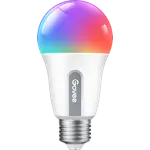
A19 Smart LED Light Bulb E26 800lm
4.6(27.6K)$12.99$14.99 - LED Bulbs
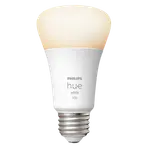
Hue Smart Bulb - White 1100
4.6(9.2K)$21.27 - LED Bulbs
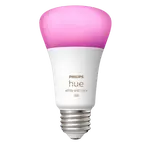
Hue Smart Bulb - White and Color 1100
4.6(3.8K)$36.49 - LED Bulbs
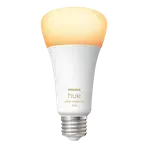
Hue Smart Bulb - White Ambiance 1600
4.6(2.9K) - LED Bulbs
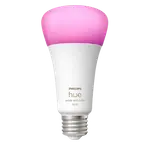
Hue Smart Bulb - White and Color 1600
4.6(1K) - LED Bulbs
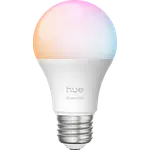
Hue Essential A19 Smart Bulb - White and Color 800
4.5(1.1K)$24.99 - LED Bulbs
 8% OFF
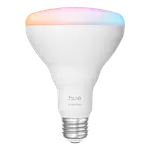
Hue Essential BR30 Smart Bulb - White and Color 650
4.5(201)$22.99$24.99 - LED Bulbs
 33% OFF

A19 Smart LED Bulb
4.4(8.8K)$9.99$14.99 - LED Bulbs
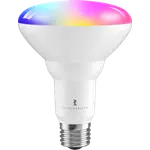

Smart Color Bulb ZB3
4.4(100)$16.99 - LED Bulbs
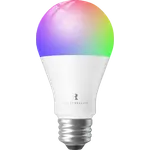
Smart Color Bulb ZL1
4.3(654)$11.99 - LED Bulbs
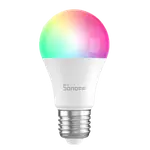

Wi-Fi Smart LED Bulb - Color - A60
4.3(120)
Light Strips
See all Light Strips- Light Strips
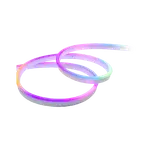 30% OFF
Neon Rope Light 2
4.6(1.3K)$69.99$99.99 - Light Strips
 22% OFF
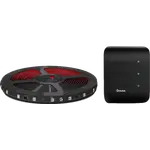
TV Backlight 3 Lite
4.5(10.8K)$69.99$89.99 - Light Strips
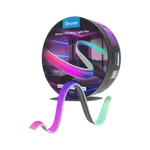
COB Strip Light Pro
4.5(811)$149.99 - Light Strips
 20% OFF
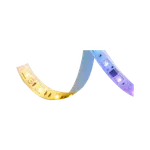
Strip Light 2 Pro
4.5(624)$79.99$99.99 - Light Strips
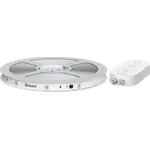
RGBIC LED Strip Light
4.4(27K)$14.99 - Light Strips
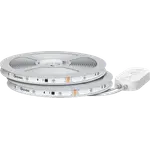
100ft RGBIC LED Strip Lights
4.4(7.6K)$72.99 - Light Strips
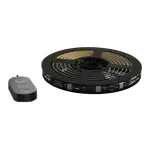 28% OFF
TV LED Backlight
4.4(6.4K)$21.59$29.99 - Light Strips
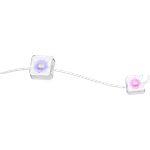
Permanent Outdoor Lights 2
4.4(3.2K)$279.99 - Light Strips
 20% OFF
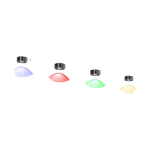
Permanent Outdoor Lights Pro
4.4(2.4K)$349.99$439.99 - Light Strips
 28% OFF
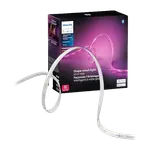
Hue Solo Lightstrip
4.4(1.2K)$70.95$98.99 - Light Strips
 15% OFF
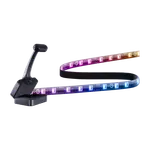
TV Backlight 3
4.4(370)$93.99$109.99 - Light Strips


Tapo L930-5
3.8(394)$35.99 - Light Strips
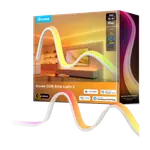
COB Strip Light 2
4.6(57)$99.99 - Light Strips

Permanent Outdoor Lights 2 Pro
4.5(58)$499.99 - Light Strips
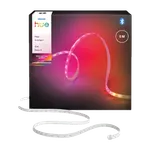
Hue Flux LED Strip Light
4.4(92)$109.99
Ceiling Lights
See all Ceiling Lights- Ceiling Lights
 23% OFF
15-Inch RGBICWW Smart Ceiling Light Pro
4.6(581)$99.99$129.99 - Ceiling Lights
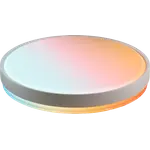 21% OFF
18-Inch Ceiling Light Pro
4.6(581)$134.99$169.99 - Ceiling Lights
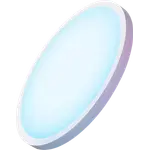 14% OFF
12-Inch RGBWW + RGBIC Smart Ceiling Light (Round)
4.5(2.1K)$59.99$69.99 - Ceiling Lights
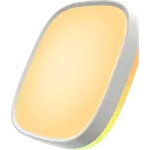 21% OFF
12-Inch RGBWW + RGBIC Smart Ceiling Light (Square)
4.3(217)$54.99$69.99 - Ceiling Lights
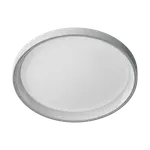

Ceiling Light T1M
4.1(130) - Ceiling Lights
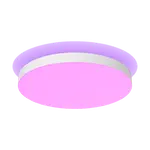
Hue Datura Ceiling Light Small Round
4.6(77)$329.99 - Ceiling Lights
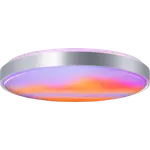 12% OFF
21-Inch Smart Ceiling Light Ultra
4.5(91)$219.99$249.99 - Ceiling Lights
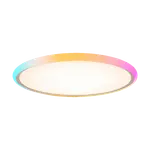

Smart Ceiling Light E1 12 in
4.2(55)$59.99 - Ceiling Lights
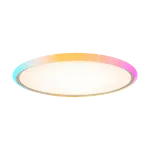
Smart Ceiling Light E1 16 in
4.2(55)$79.99 - Ceiling Lights


RGBICWW Ceiling Light 12inch
3.8(98) - Ceiling Lights
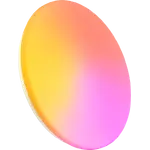
RGBICWW Ceiling Light 15inch
3.8(98) - Ceiling Lights
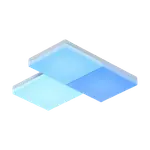 12% OFF

Skylight Starter Kit
3.8(30)€220.20€249.99 - Ceiling Lights
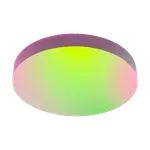

SuperColor 13-Inch Ceiling
4.6(17)$79.97 - Ceiling Lights
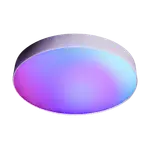
SuperColor 15-Inch Ceiling
4.6(17)$79.97 - Ceiling Lights
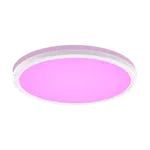
Hue Tento Round Ceiling Panel Extra Large
4.4(7)$199.99
Lamps
See all Lamps- Lamps
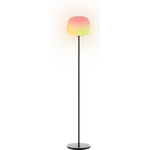 15% OFF
Lantern Floor Lamp
4.8(404)$109.99$129.99 - Lamps
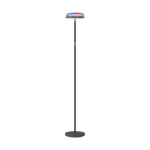 17% OFF
Uplighter Floor Lamp
4.6(1.5K)$149.99$179.99 - Lamps
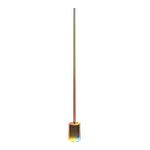 24% OFF
Floor Lamp 3
4.6(269)$129.99$169.99 - Lamps
 19% OFF
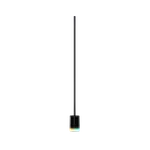
Floor Lamp 2
4.5(2.6K)$129.99$159.99 - Lamps
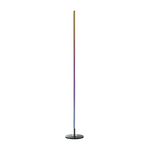 35% OFF
RGBICW Floor Lamp Basic
4.4(12.2K)$64.99$99.99 - Lamps
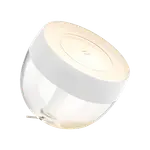
Hue Iris
4.4(750)$120.99 - Lamps
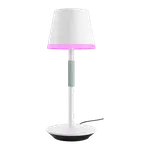
Hue Go Portable Table Lamp
4.4(433)$185.99 - Lamps
 9% OFF

Flare
4.0(160)$99.95$109.95 - Lamps
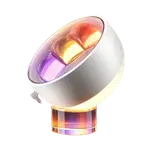
Wallwash Table Lamp
4.7(31)$99.99 - Lamps
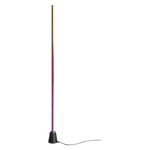
Hue Play Floor Lamp Large
4.5(84)$149.99 - Lamps
Multicolor Floor Lamp
4.5(81) - Lamps
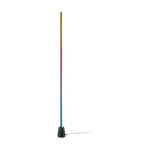 38% OFF

Gradient Floor Light
4.3(51)£49.99£79.99
Outdoor Lights
See all Outdoor Lights- Outdoor Lights
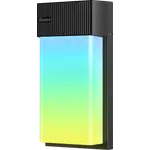 20% OFF
Outdoor Wall Light
4.7(966)$79.99$99.99 - Outdoor Lights
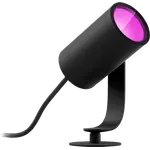
Hue Lily Outdoor Spotlight Base Kit
4.6(409)$325.99 - Outdoor Lights
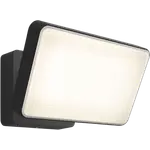
Hue Discover Outdoor Floodlight
4.5(800)$229.99 - Outdoor Lights
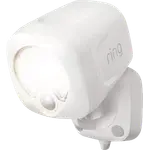 40% OFF
Spotlight Battery
4.4(4.3K)$23.99$39.99 - Outdoor Lights
Outdoor Ground Lights 2
4.1(651) - Outdoor Lights
Outdoor String Lights 2
4.0(1.9K) - Outdoor Lights
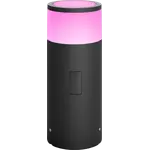
Hue Calla Outdoor Pathway Light
4.0(516)$144.40 - Outdoor Lights
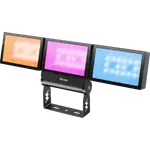
Triad Floodlight
4.0(153) - Outdoor Lights
Outdoor Solar String Lights
3.5(116) - Outdoor Lights
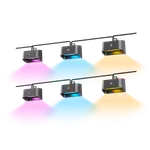
Outdoor Deck Lights 2
4.8(21)$119.99 - Outdoor Lights
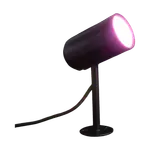
Outdoor Spot
3.3(17) - Outdoor Lights
Permanent Outdoor Lights
2.0(1)$239.99
Wall Switches
See all Wall Switches- Wall Switches
 8% OFF

Caseta Original Smart Dimmer Switch
4.7(5.7K)$59.99$64.95 - Wall Switches
Caseta Diva Smart Dimmer Switch
4.7(697)$69.95 - Wall Switches
Smart Wall Switch H1 EU (No Neutral) - Single
4.6(445)$112.00 - Wall Switches
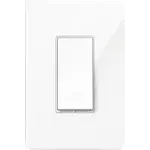 34% OFF
Kasa HS200
4.5(43.3K)$10.49$15.99 - Wall Switches
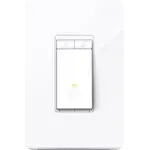 30% OFF
Kasa HS220
4.5(35K)$13.99$19.99 - Wall Switches
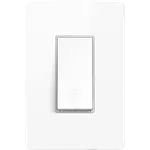
Kasa KS200
4.5(1.9K) - Wall Switches
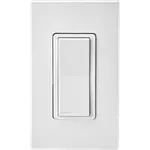

Decora Smart Wi-Fi Switch D315S
4.5(242)$39.00 - Wall Switches
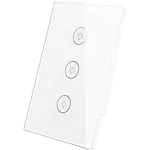

Smart Wall Touch Light (3 Gang)
4.4(1.3K) - Wall Switches
 10% OFF
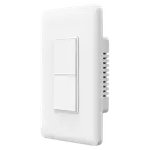
Smart Wall Switch (No Neutral) - Double
4.4(218)$44.99$49.99 - Wall Switches
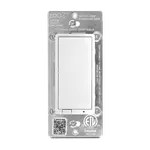

S2 Dimmer ZEN77 800LR
4.4(166) - Wall Switches
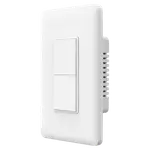
Smart Wall Switch (With Neutral) - Double
4.4(156)$39.99 - Wall Switches
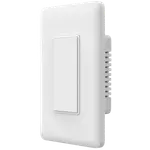
Smart Wall Switch (No Neutral) - Single
4.3(533)$39.99 - Wall Switches
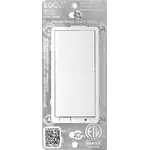
Dimmer ZEN72 800LR
4.3(144)$31.95 - Wall Switches
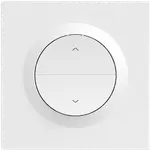
Orb-ZBRBS Zigbee Smart Roller Shutter Wall Switch
4.2(370)$16.90 - Wall Switches
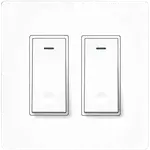
WiFi Smart Light Switch (2 Gang)
4.2(291)
Buttons
See all Buttons- Buttons
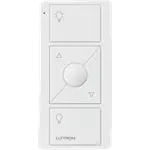
Caseta Pico Original Remote for Dimmers
4.8(2.8K)$24.95 - Buttons
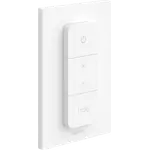 10% OFF
Hue Dimmer Switch v2
4.7(4K)$27.98$30.99 - Buttons
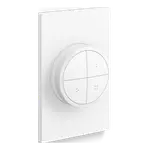
Hue Tap Dial Switch
4.7(964)$54.99 - Buttons
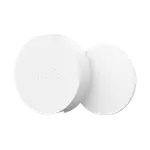
Hue Smart Button v3
4.6(191)$32.99 - Buttons
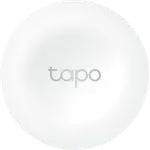 33% OFF
Tapo S200B
4.5(1.6K)£9.99£14.99 - Buttons
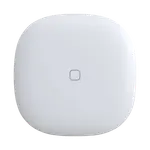

Button
4.5(322)$33.99 - Buttons
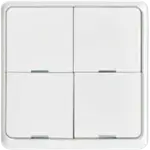
Wireless Smart Scene Switch Button
4.4(153)$26.99 - Buttons
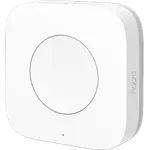 12% OFF

Wireless Mini Switch WXKG11LM
4.3(3.1K)$15.90$17.99 - Buttons
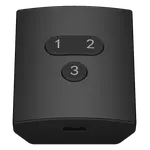 10% OFF
Smart Button ZB2
4.3(754)$26.99$29.99 - Buttons
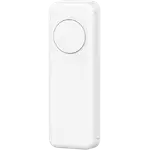 10% OFF
Smart Button
4.3(754)$17.99$19.99 - Buttons
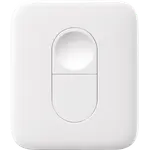
Remote
4.2(5.3K)$19.99 - Buttons
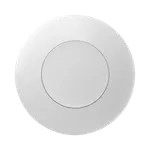
SNZB-01P Zigbee Wireless Switch
4.2(1K)$16.90 - Buttons
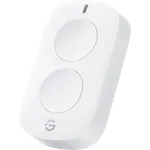
Smart Mini Double Button Switch
4.2(637)$14.99 - Buttons
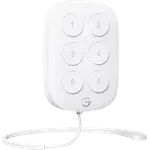
Wireless Mini Smart 6 Button Sensor
4.2(596)$19.99 - Buttons
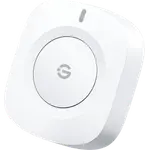
Wireless Button Sensor
4.2(481)$9.99
Smart bulbs or smart switches?
Smart bulbs put the intelligence in the light: each one dims, changes color temperature, and many change color, so they suit lamps, bedrooms, and any room where you want to set a mood. Their weak point is the wall switch. Turn it off and the bulb loses power, so the app, the schedule, and the voice assistant can no longer reach it.
Smart switches put the intelligence in the wall instead. They control whatever bulbs the fixture already holds, work the way guests expect, and suit rooms with several fixtures on one circuit. Many homes end up with both: switches for the main circuits, smart bulbs where color and dimming matter, and a wireless button mounted over the old switch where the wiring stays as it is.
Accent, ambient, and main light
Light strips are the tool for indirect light: behind a TV, under kitchen cabinets, along a staircase or a shelf. Check whether they can be cut and extended, and whether they light in zones, which lets one strip show several colors at once. Lamps bring the same effects to a desk, a bedside, or a corner, and some run on a battery so they can move from room to room.
A smart ceiling light replaces the main fixture of a room and lights all of it at once, often with tunable white and sometimes with a color backlight. Before buying one, or a smart switch, check the wiring: many switches need a neutral wire in the wall box, and a ceiling light has to suit the size of the room it goes in.
Lighting outside the house
Outdoor lights come in shapes that each do one job: spotlights aimed at a tree or a facade, pathway lights that mark a walk, floodlights that cover a driveway, wall lights by the door, deck and ground lights set into a surface, and string lights over a patio. Start with how each one gets its power, since that decides where it can go: plug-in and hardwired fixtures need an outlet or a line nearby, low-voltage kits run one buried cable from a transformer to several fixtures, and solar or battery lights go anywhere at the cost of brightness or battery changes.
Then check the weather rating. Every outdoor light carries an IP rating, and a light under an eave can live with IP44 while one in a flower bed or set into a deck needs IP65 or more. A motion sensor is what turns a floodlight into a security light, and a brand hub (a Hue Bridge or a Ring Bridge) belongs in the budget from the start when the lights need one.
Frequently Asked Questions
- Do smart bulbs need a hub?
- It depends on how they connect. Wi-Fi and Bluetooth bulbs connect straight to your router or phone, so they need no hub. Zigbee bulbs need a Zigbee hub, or a speaker or display with one built in, and Thread bulbs need a Thread border router. A hub adds one more device, but it keeps the lights off your Wi-Fi network and many hubs run their automations locally.
- Should I buy smart bulbs or a smart switch?
- Smart bulbs are best where you want dimming, color temperature, or color in a single fixture or lamp. A smart switch is better when a fixture holds several bulbs, when other people use the wall switch, or when you want to keep ordinary bulbs. Combining them works too, as long as the switch does not cut the power the smart bulbs need.
- What happens if someone turns off the wall switch?
- A smart bulb loses power and goes offline until the switch is turned back on, so its schedules and voice control stop working. The usual fixes are a wireless smart button or dimmer mounted over the switch, or a smart switch with a mode that keeps the bulbs powered and sends the press to them instead.
- Can smart lights turn on by themselves when I walk in?
- Yes. Pair them with a motion or presence sensor and an automation in your smart home app or hub, and the lights turn on when someone walks in and off when the room is empty. Schedules and sunrise or sunset rules cover the rest, such as porch lights at dusk or a light that brightens slowly to wake you up.
- Can smart outdoor lights stay outside all year?
- Yes, as long as their weather rating matches where they sit. Look at the IP rating: IP65 or higher handles direct rain and sprinklers, IP67 suits a light set into the ground or a deck, and IP44 only suits a spot sheltered from direct rain, such as under an eave. The power adapter is often rated lower than the light itself, so keep it under cover.