
Key takeaways
- Privacy in a smart home comes down to three things: where data is stored, where it is processed, and whether the device keeps working offline.
- Cameras that record to a microSD card, to internal storage, or expose an RTSP stream let you keep video off the manufacturer's servers and out of a monthly subscription.
- A hub plus a Zigbee, Z-Wave, or Thread dongle runs your automations locally, so lights, locks, and sensors keep responding during an internet outage.
- A NAS or a mini PC is where a private setup lives: it hosts the controller and the recordings you would otherwise be renting cloud space for.
A private smart home answers three questions differently from a typical one: where the recording is stored, who processes the event, and whether the device still works when the internet drops. Hardware that stores footage on a card or a NAS, runs automations on a hub or a mini PC you own, and speaks local radio protocols through a dongle keeps all three answers inside your walls. This page only ranks products that can actually operate that way.
Top rated privacy friendly products by category
The best reviewed products in each category, narrowed to hardware that can store or process your data locally. Popular cloud only models are deliberately excluded, so these lists differ from the general category rankings.
Hubs
See all Hubs- Hubs


Caseta Smart Hub
4.6(2K)$89.95 - Hubs
 20% OFF
Hue Bridge
4.5(11.4K)$55.99$69.99 - Hubs


Hub
4.5(1.4K)€59.78 - Hubs


Tapo H100
4.5(898)$22.99 - Hubs

Hue Bridge Pro
4.5(615)$139.99 - Hubs
 27% OFF
Smart Home controller II
4.4(1.1K)£64.95£88.70 - Hubs

Home Assistant Green
4.4(934)$219.00 - Hubs


Zigbee Bridge Ultra
4.4(353) - Hubs


SBS50 Base Station
4.4(112) - Hubs
 14% OFF
SwitchBot Hub 2
4.3(11.6K)$59.99$69.99 - Hubs
 7% OFF
Hub Mini
4.2(55.8K)$36.10$39.00 - Hubs


Smart Home Hub
4.2(2.1K)$159.99 - Hubs
Tapo H200
4.2(376)$39.99 - Hubs
Tapo H110
4.2(182)$29.99 - Hubs


Hub M2
4.1(3.3K)$69.97
Cameras
See all Cameras- Cameras
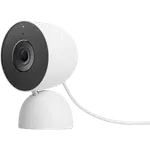

Nest Cam Indoor (Wired, 3rd Gen)
4.6(1.1K)$129.00 - Cameras

Tapo C260
4.6(735)$59.99 - Cameras
 15% OFF
Tapo C200
4.5(42.8K)$22.99$26.99 - Cameras
 7% OFF
Tapo C210
4.5(23.4K)$27.99$29.99 - Cameras

Tapo C500
4.5(7.2K)$39.99 - Cameras
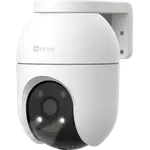

C8c
4.5(1.7K)$149.67 - Cameras
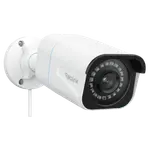

RLC-810A
4.5(1.7K)$99.99 - Cameras
 7% OFF
Tapo C246D
4.5(912)$64.99$69.99 - Cameras
 13% OFF
Camera Hub G5 Pro PoE
4.5(310)$199.99$229.99 - Cameras
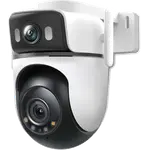 17% OFF
Tapo C545D
4.5(124)$99.99$119.99 - Cameras
 17% OFF
Kasa EC70
4.4(34.4K)$24.99$29.99 - Cameras
 12% OFF
Tapo C100
4.4(29.2K)$21.99$24.99 - Cameras
Indoor Cam E220
4.4(24.6K)$59.99 - Cameras

Cam OG
4.4(19.8K)$29.97 - Cameras
 18% OFF
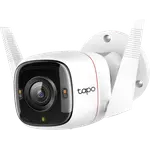
Tapo C320WS
4.4(7.7K)$36.99$44.99
NAS
See all NAS- NAS
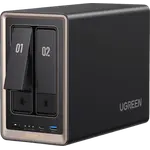

NASync DXP2800 GT
4.6(1.2K)$509.99 - NAS
 11% OFF
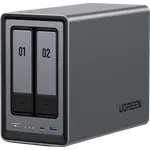
NASync DXP2800
4.6(1.2K)$389.99$439.99 - NAS
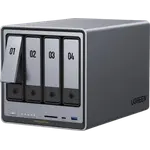
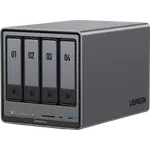
NASync DXP4800 Pro
4.6(1.2K)$799.99 - NAS
 15% OFF
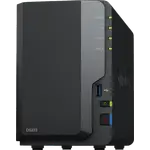
NASync DXP4800 Plus
4.6(634)$619.99$729.99 - NAS
 6% OFF
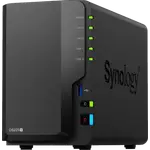
DS223
4.6(597)$285.99$304.99 - NAS
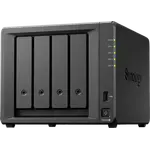
DS225+
4.6(261)$364.29 - NAS
DS425+
4.6(109)$579.97 - NAS
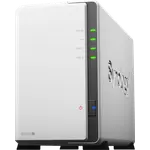
DS223j
4.5(890)$209.99 - NAS
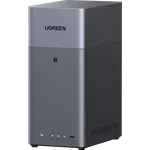 11% OFF
NASync DH2300
4.5(780)$239.99$269.99 - NAS
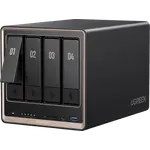
NASync DXP4800 GT
4.5(308)$659.99 - NAS
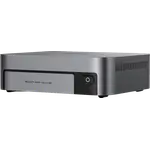
NASync DXP480T Plus
4.5(308)£1701.18 - NAS
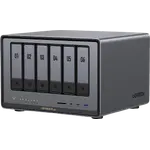 10% OFF
NASync DXP6800 Plus
4.5(308)$939.15$1043.50 - NAS
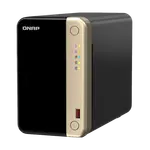

TS-264-8G-US
4.4(264)$487.99 - NAS
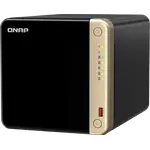
TS-464-8G-US
4.4(264)$637.99 - NAS
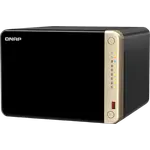
TS-664-8G-US
4.4(264)$799.00
Mini PCs
See all Mini PCs- Mini PCs


Mac Mini (M4 16GB + 512GB)
4.7(433) - Mini PCs
 8% OFF
Mac Mini (M4 Pro 24GB + 512GB)
4.7(266)€1749.00€1899.00 - Mini PCs


A5 Pro 2026 Edition (16GB + 1TB)
4.6(292)$569.00 - Mini PCs

Mac Mini (M2 Pro 16GB + 512GB)
4.6(204)$1299.00 - Mini PCs


Mini S12 Pro (N100 16GB + 500GB)
4.5(658)$339.00 - Mini PCs


M1 Pro-125H (32GB + 1TB)
4.5(234)$895.00 - Mini PCs

UM870 Slim (32GB + 1TB)
4.5(234)$889.00 - Mini PCs
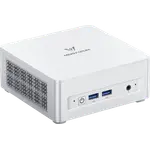
UM880 Plus (32GB + 1TB)
4.5(234)$935.00 - Mini PCs

X1 Lite-255 (32GB + 1TB)
4.5(234)$779.00 - Mini PCs
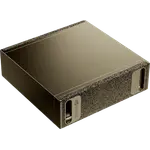

DGX Spark
4.5(123)£6099.00 - Mini PCs

GT1 Mega Ultra 9
4.5(107) - Mini PCs

EQi13 (24GB + 1TB)
4.5(105)$699.00 - Mini PCs
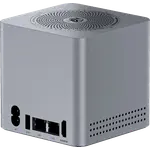
ME mini (N95 12GB + 64GB)
4.5(105)$329.00 - Mini PCs
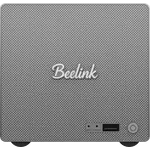
ME Pro (N150 16GB + 1TB)
4.5(105)$649.00 - Mini PCs
 32% OFF
G11 (16GB + 512GB)
4.4(1.9K)$339.98$499.99
Dongles
See all Dongles- Dongles
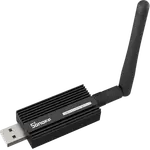
ZBDongle-E
4.7(3.8K)$24.90 - Dongles
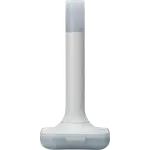
Home Assistant Connect ZBT-2
4.7(341)£65.00 - Dongles
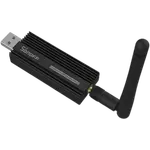
ZBDongle-P
4.6(5.7K)$39.99 - Dongles
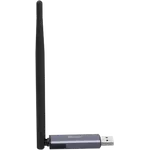
Dongle Plus MG24
4.6(755)$35.90 - Dongles
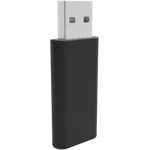

Z-Wave Long Range Stick
4.6(632)£29.99 - Dongles
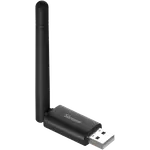
Dongle Lite MG21
4.6(486)$24.90 - Dongles
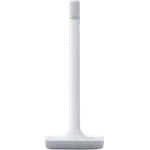
Home Assistant Connect ZWA-2
4.6(263)$79.00 - Dongles
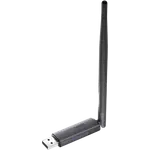
Dongle-PZG23
4.6(187)$39.90 - Dongles
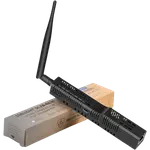

SLZB-06M
4.6(118)$72.99 - Dongles

Z-Stick 7
4.5(256)$39.99 - Dongles
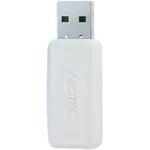
Z-Stick 10 Pro
4.5(183)$59.99 - Dongles
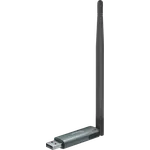
Dongle Plus PP10
4.4(113)$35.90 - Dongles
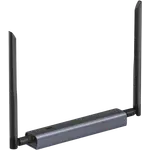
Dongle Max
4.3(691)$42.90 - Dongles
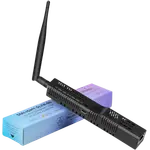
SLZB-06
4.2(188)$72.99 - Dongles
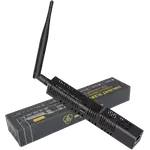
SLZB-06p7U
4.6(34)$78.99
Routers
See all Routers- Routers

UniFi Express 7
4.6(123) - Routers
Cloud Gateway Ultra
4.5(1.2K)£111.00 - Routers
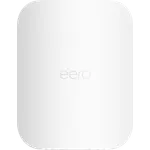

Outdoor 7
4.5(787)$399.99 - Routers
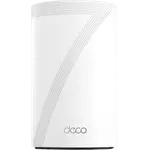
Deco BE63
4.5(345) - Routers
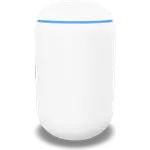
UniFi Dream Router 7
4.5(319)£276.99 - Routers
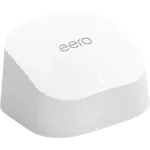 39% OFF
6
4.4(29.5K)$54.99$89.99 - Routers
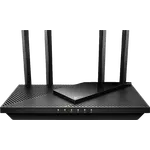 39% OFF
Archer AX21
4.4(24.9K)$54.99$89.99 - Routers
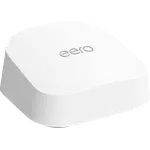
7
4.4(2.3K)$169.99 - Routers
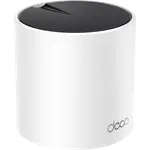 19% OFF
Deco X55
4.4(1.7K)$64.94$79.99 - Routers
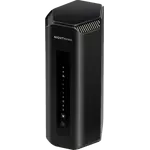 10% OFF
Nighthawk RS700S
4.4(989)$539.99$599.99 - Routers
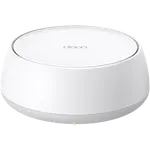 18% OFF
Deco BE23
4.4(829)$204.99$249.99 - Routers
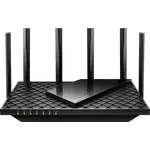 18% OFF
Archer AXE75
4.3(5.5K)$98.99$119.99 - Routers
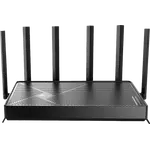 23% OFF
Archer BE400
4.3(1.7K)$139.00$179.99 - Routers
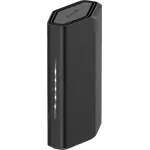
Nighthawk RS90
4.3(1.6K) - Routers
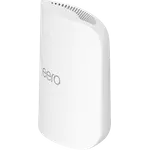
Pro 7
4.3(1.6K)$299.99
UPS Battery Backups
See all UPS Battery Backups- UPS Battery Backups
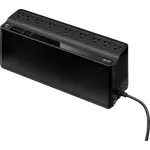
Back-UPS BE850G2
4.6(3.8K)$137.70 - UPS Battery Backups
 7% OFF
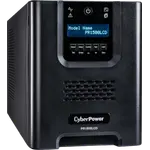
PR1500LCD
4.6(393)$700.95$754.00 - UPS Battery Backups
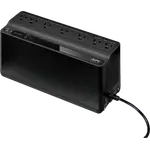
Back-UPS BE600M1
4.5(29.3K)$83.99 - UPS Battery Backups
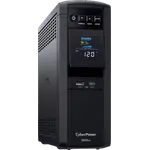 13% OFF
CP1500PFCLCD
4.5(11.5K)$239.95$274.95 - UPS Battery Backups
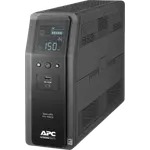 12% OFF
Back-UPS Pro BR1500MS2
4.5(3.6K)$299.99$339.99 - UPS Battery Backups
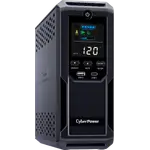 9% OFF
CP1500AVRLCD3
4.5(3.6K)$199.95$219.95 - UPS Battery Backups
 8% OFF
OR500LCDRM1U
4.5(847)$219.95$239.95 - UPS Battery Backups
Smart-UPS SMT1500C
4.5(308)$699.99 - UPS Battery Backups
 24% OFF
Back-UPS Pro BX1500M
4.4(13.1K)$189.99$249.99 - UPS Battery Backups
 8% OFF
EC850LCD
4.4(6.9K)$119.95$129.95 - UPS Battery Backups
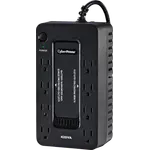 8% OFF
ST425
4.4(5.5K)$59.95$64.95 - UPS Battery Backups
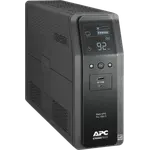
Back-UPS Pro BR1000MS
4.4(1.6K) - UPS Battery Backups
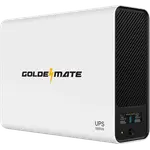 16% OFF
1000VA/800W LiFePO4 UPS
4.4(1.6K)$209.99$249.99 - UPS Battery Backups
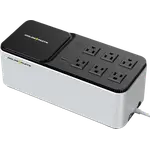 9% OFF
600VA/360W LiFePO4 UPS
4.4(203)$159.99$174.99 - UPS Battery Backups
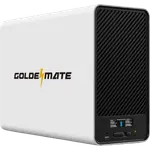 13% OFF
1500VA/1000W LiFePO4 UPS
4.2(263)$349.99$399.99
What local control actually means
Local control is not a single feature, it is a property of the whole setup. Storage is the most visible part: a camera with a microSD slot or internal storage writes video where you can reach it, and a camera exposing RTSP lets you send that stream to a recorder you own instead of a vendor's bucket. Processing is the part people miss. A device can store video locally and still ship every motion event to a server for analysis, so the useful question is whether detection and automation logic run on the hardware itself.
The third part is survival. Cloud dependent products stop recording, stop alerting, or stop responding entirely when the connection drops or the vendor retires the service. Devices that pair to a local hub over Zigbee, Z-Wave, or Thread keep working, because the hub in your hallway is the one making decisions. That is also what protects you from a subscription appearing later on hardware you already paid for.
The hardware a private setup is built on
Start with the brain. A hub gives you a local controller for sensors and switches, and pairing one with a Zigbee, Z-Wave, or Thread dongle adds the radios that keep end devices off Wi-Fi and off the internet entirely. If you want more than basic automations, a mini PC or a NAS takes over as the controller and doubles as the recorder, which is what replaces a cloud video plan with storage you own outright.
The router is the piece most people skip. It is where you separate smart home gear from your personal devices, block chatty products from reaching the internet, and reach your own cameras from outside without opening them to everyone. Together these four categories, hub, dongle, local server, and router, are the difference between a house full of connected products and a smart home that is genuinely yours.
Frequently Asked Questions
- Can a smart home work without the cloud?
- Yes, but the hardware has to be chosen for it. Devices that pair to a local hub over Zigbee, Z-Wave, or Thread and run their automations on that hub keep working with the internet unplugged. Wi-Fi products that talk only to a vendor's app usually stop working, so the cloud dependency is decided at purchase time, not in the settings.
- Which smart cameras do not upload video to the cloud?
- Cameras that record to a microSD card or to internal storage keep footage on the device, and cameras with RTSP support let you stream to a recorder, a NAS, or a mini PC you control. Every camera listed on this page offers at least one of those, which is why some of the best selling cloud only models do not appear here.
- Do I need a NAS or a mini PC for a private smart home?
- Not to start. A hub with a radio dongle is enough for local automations and local sensor data. A NAS or mini PC becomes worth it when you want continuous camera recording without a subscription, longer history than a memory card holds, or a controller powerful enough to run detection on your own hardware.
- Are Zigbee, Z-Wave, and Thread more private than Wi-Fi devices?
- In practice, yes. Those devices have no direct internet connection: they talk only to your hub, which decides what leaves the house. A Wi-Fi device connects to the internet by itself and typically reaches the vendor's servers on its own, so privacy depends entirely on what that vendor does with the data.
- Does keeping everything local mean losing remote access?
- No. Remote access and cloud storage are separate choices. A local setup can still be reached from your phone through your own router, using a VPN or a private tunnel, so you see your cameras and control your devices from anywhere while the data itself never sits on someone else's server.