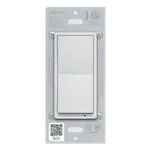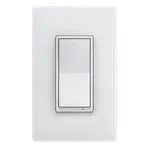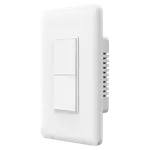



Moes Wireless Scene Switch Review: Four Buttons and Twelve Scenes, No Wiring Required
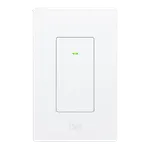
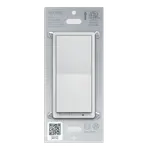
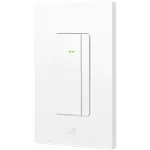
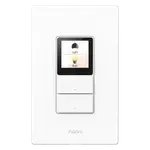
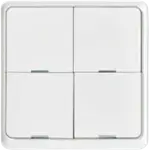
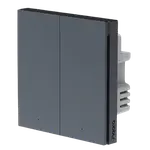
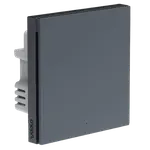
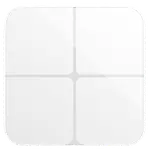
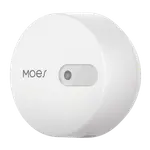
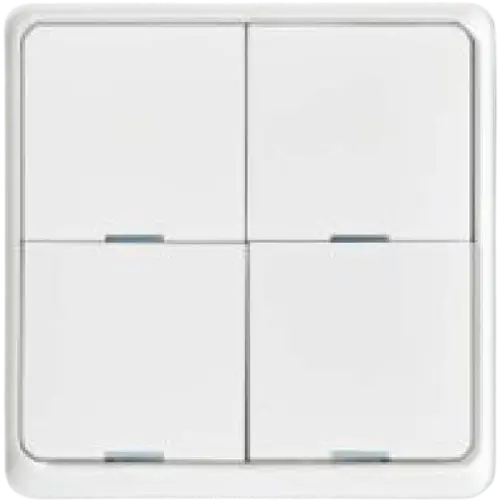
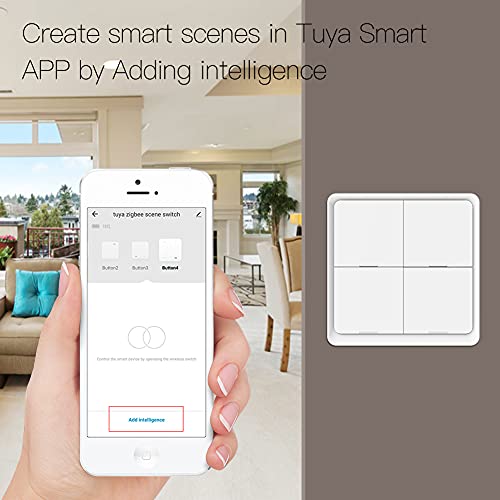
The Moes Wireless Scene Switch is a battery-powered Zigbee controller shaped like a four-gang wall switch, but it switches nothing directly: each of the four buttons sends a command to your hub, giving up to twelve scenes from one panel. Because it needs no wiring and no neutral, it sticks anywhere, which is what makes it useful next to a bed, beside a door, or in a room where the original switch is in the wrong place. It requires a Moes or Tuya Zigbee hub, and Home Assistant is the documented platform. Apple HomeKit and Matter are unsupported.
- Scene control without wiring
- Bedside and doorway panels
- Homes using smart bulbs
- Moes and Tuya Zigbee setups
One switch per light circuit.
Buy on Amazon USACheck pricePros
- Four buttons mapping to up to twelve scenes
- No wiring, no neutral and no back box required
- Mounts anywhere, including beside beds and doorways
- Ideal companion for smart bulbs, since it never cuts their power
- Home Assistant support documented
- Very low price
Cons
- Controls nothing by itself: it depends entirely on the hub
- Requires a Moes or Tuya Zigbee hub specifically
- No Apple HomeKit or Matter support
- Google Home, Alexa, SmartThings and IFTTT support are not documented
- Battery type and life are not documented
- Does not repeat the Zigbee mesh, being battery powered
Who is this scene switch for?
It is the answer to two common problems. First, controls in the wrong place: with no wiring needed it goes exactly where you want the switch, not where the electrician put it. Second, smart bulbs: a normal wall switch cuts their power and takes them offline, whereas a scene controller leaves them powered and simply triggers what you want. Twelve scenes from four buttons covers most of what a household does daily, and gives guests and family a physical alternative to the app.
What it does
Four buttons mapping to up to twelve scenes, sent over Zigbee to your hub, which then runs whatever automation you have configured, whether that is lights, plugs, a whole routine or devices in another room. It is battery powered with no neutral and no back box needed, and Home Assistant support is documented, which is where the flexibility of a twelve-scene controller is easiest to exploit.
What to know before you buy
It controls nothing on its own: without a hub and configured devices, pressing a button does nothing. The hub requirement is specific, with a Moes or Tuya Zigbee hub called out rather than any Zigbee coordinator, so check compatibility with your setup before buying. Apple HomeKit and Matter are unsupported, and Google Home, Alexa, SmartThings and IFTTT support are not documented. Battery type and life are also undocumented, which matters for a wall-mounted control you press every day, and being battery powered it does not repeat the Zigbee mesh.
Is the Moes scene switch worth it?
It is inexpensive, and for a Zigbee home that already uses smart bulbs it solves a real usability problem for very little money. Twelve scenes is generous for a four-button controller. The reservations are the hub specificity and the undocumented battery life, so confirm both against your setup, and be aware that in an Apple household it is not usable at all.
Frequently asked questions
Does this switch control a light directly?
No. It is a battery-powered scene controller: each button sends a command to your hub, which then controls the devices.
Which hub does it need?
A Moes or Tuya Zigbee hub is specified, so check compatibility rather than assuming any Zigbee coordinator will work.
How many scenes can it trigger?
Up to twelve, from its four buttons, depending on how your hub handles single, double and long presses.
Can I use it with smart bulbs?
Yes, and it is one of the best uses for it, since unlike a wall switch it leaves the bulbs powered and reachable.
Does it work with Apple HomeKit?
No. Apple HomeKit and Matter are not supported. Home Assistant is the documented platform.